


Stardock Deskscapes 26.0.1.1 Multilingual
Category: Apps (SEO/Marketing/Design)
- views: 78
- date: 1 November 2026
- posted by: DrZero

File size: 203 MB
DeskScapes gives you the capability to animate and customize the wallpaper on your Windows desktop. Choose one of the animated wallpapers already included with DeskScapes, or use your own images WMV files to personalize your desktop.
Key Features
Use your images and videos as the desktop wallpaper
Customize your wallpapers with animations
Apply over 40 special effects to your desktop
Apply any dream as your PC screensaver
And more!
Animate your Windows desktop
Use WMV and Dream files with DeskScapes to apply animated video wallpapers to your desktop. The .Dream format, which DeskScapes uses, has been specially designed to contain content used to animate wallpapers. You can also apply any dream as your PC screensaver!
Easily add motion to static wallpapers
Use DreamMaker (included with DeskScapes) to design your own creations! Save videos or hybrid .Dream files with a wallpaper and video elements.
Stylize
Add cool effects to your wallpaper
Choose from over 40 effects to apply to any wallpaper. Effects include: black and white, blur, canvas texture, inverted, night vision, pop art, sepia, animated snow and many more!
Recolor your existing wallpapers
Using a simple slider DeskScapes helps you apply new colors to wallpapers. Color customization can be applied to an entire image or only to select colors.
Multiple monitor support
DeskScapes capabilities give you the option to have different wallpaper on each of your monitors or stretch video and static wallpapers over multiple monitors.
Easy-to-use configuration dialog
The user interface is intuitive and so easy to use that you can create a great looking custom desktop design in just a few minutes. An always present preview helps you see what your desktop will look like before applying effects to your new wallpaper.
Find more Dreams!
WinCustomize is a website that provides content for users to customize Microsoft Windows. There are hundreds of wallpapers and dreams to choose from.
System Requirements: Windows 10, 11
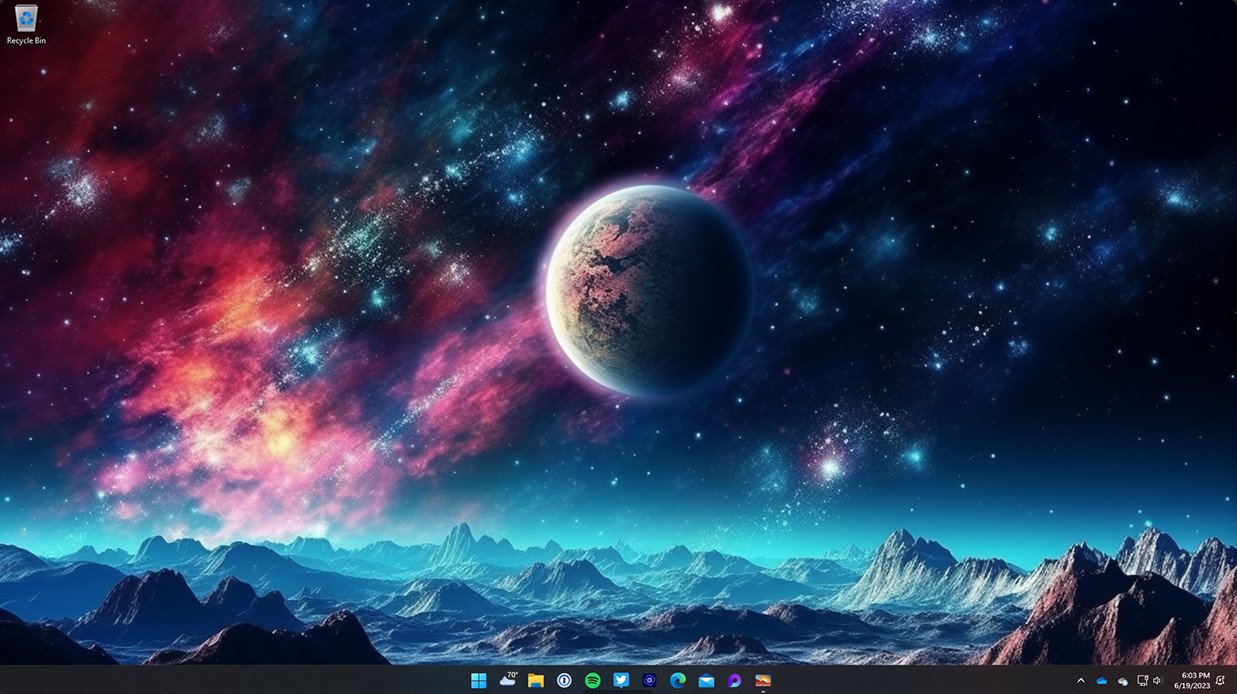
Screen :
What's New

HOMEPAGE
https://www.stardock.com/products/deskscapes/
Buy Premium Account From My Download Links & Get Fastest Speed.
We need your support!
Make a donation to help us stay online

Bitcoin (BTC)
bc1q08g9d22cxkawsjlf8etuek2pc9n2a3hs4cdrld

Bitcoin Cash (BCH)
qqvwexzhvgauxq2apgc4j0ewvcak6hh6lsnzmvtkem

Ethereum (ETH)
0xb55513D2c91A6e3c497621644ec99e206CDaf239

Litecoin (LTC)
ltc1qt6g2trfv9tjs4qj68sqc4uf0ukvc9jpnsyt59u

USDT (ERC20)
0xb55513D2c91A6e3c497621644ec99e206CDaf239

USDT (TRC20)
TYdPNrz7v1P9riWBWZ317oBgJueheGjATm
Information |
|||
 |
Users of GUESTS are not allowed to comment this publication. | ||