


Room Arranger 11.3.0.811 (x64) Multilingual Portable
Category: Apps (SEO/Marketing/Design)
- views: 30
- date: 29 October 2026
- posted by: DrZero

File size: 109 MB
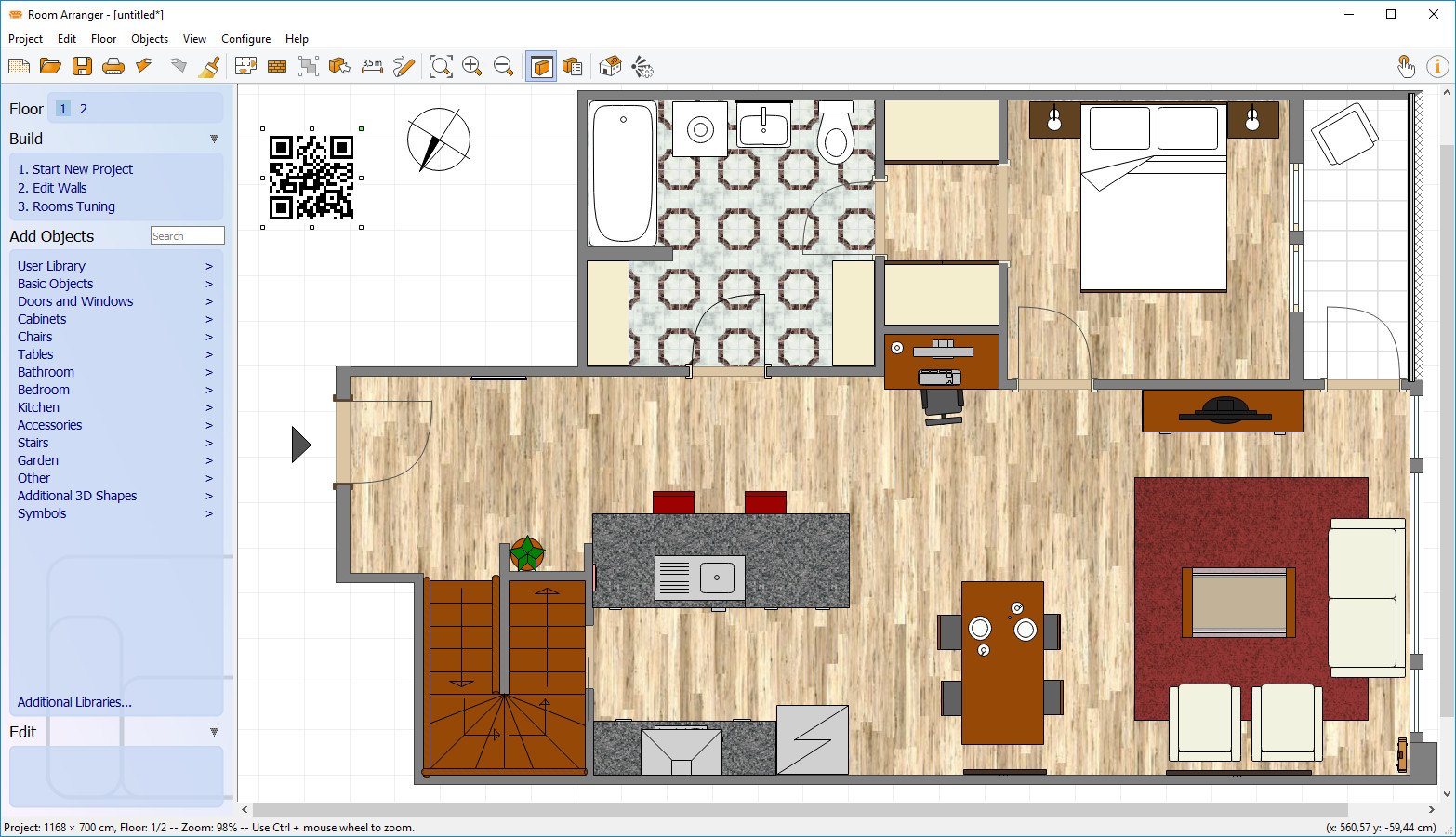
Room Arranger is 3D room / apartment / floor planner with simple user interface. Once you get the basics, you can draw whatever you imagine. While having wide library of objects, you can easily create your own piece of furniture.
Features
Easy to Use
Room Arranger is small and compact piece of software. Still it lets you design nearly anything you imagine. Once you understand the basics it's easy to bring it to next level.
Nearly all functions have keyboard shortcuts, so you can learn to be pretty fast in Room Arranger.
3D Visualization
3D can give you a better impression of your design. Room Arranger will not only let you fly around the scene, but you can also walk through it like in reality.
Wide Object Library
There are nearly 300 objects in the standard object library. Furniture, and other equipment. For each of them, you can modify their dimensions exactly as you need - you are not limited to what we think is the most common.
Additionally you can quickly and easily design all your special objects directly in Room Arranger, there is a set of 3D objects just for such needs. Some users contributed to our On-line object library and shared their work.
Measurement
There is a measurement tool in Room Arranger that helps you to check if there is enough space left for other objects, or just visualize the dimensions in the project.
The software also measures the room areas, wall areas and other useful values. It will let you copy - paste them to Excel for further processing.
Print in Scale
Printing is the integral part of designer's work. We try to make this output precisely and in high quality. Professional architects usually require printouts in exact 1:50 or 1:100 scale, which is possible in Room Arranger.
In case you have only small A4 printer, the software manages to print the project over more pages. You will just glue all sheets of paper together.
Build on Floor Plan Image
Drawing walls can be quite time consuming for apartment or house design. So there is a way to make it easier in case you have an image or photo of the floor plan.
Just load the image of the floor plan into the Wall Editor, calibrate it, and draw walls on top of it.
Screen :
What's New

HOMEPAGE
http://www.roomarranger.com/
Buy Premium Account From My Download Links & Get Fastest Speed.
We need your support!
Make a donation to help us stay online

Bitcoin (BTC)
bc1q08g9d22cxkawsjlf8etuek2pc9n2a3hs4cdrld

Bitcoin Cash (BCH)
qqvwexzhvgauxq2apgc4j0ewvcak6hh6lsnzmvtkem

Ethereum (ETH)
0xb55513D2c91A6e3c497621644ec99e206CDaf239

Litecoin (LTC)
ltc1qt6g2trfv9tjs4qj68sqc4uf0ukvc9jpnsyt59u

USDT (ERC20)
0xb55513D2c91A6e3c497621644ec99e206CDaf239

USDT (TRC20)
TYdPNrz7v1P9riWBWZ317oBgJueheGjATm
Information |
|||
 |
Users of GUESTS are not allowed to comment this publication. | ||