


Ashampoo Snap Pro 26.0.3 Multilingual (x64)
Category: Apps (SEO/Marketing/Design)
- views: 242
- date: 22 July 2026
- posted by: voska89
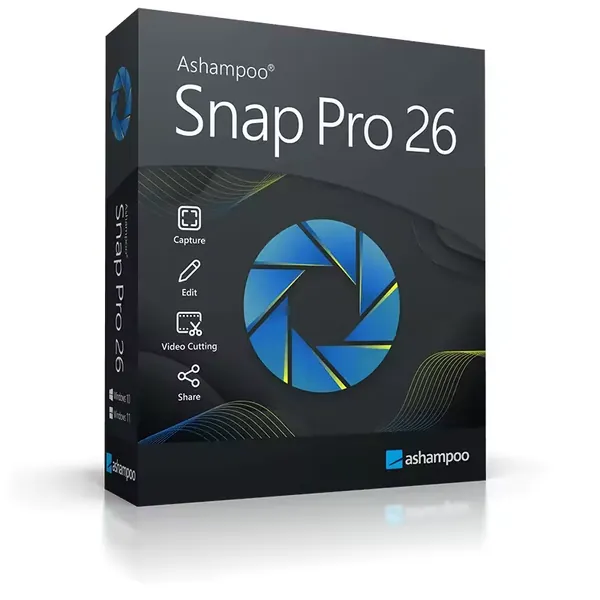
Free Download Ashampoo Snap Pro 26.0.3 (x64) Multilingual | File Size: 257 MB
Ashampoo Snap Pro is a screen capture and recording application designed to help users create screenshots, tutorials, documentation, and instructional videos. It allows users to capture any content displayed on the screen, edit images with annotations, and create visual explanations for work, education, and technical communication.
The software is suitable for professionals, educators, content creators, and home users who need a flexible solution for capturing desktop activity. It provides tools for image editing, video recording, screen annotations, OCR text recognition, and exporting content in various formats.
Ashampoo Snap Pro combines fast screen capture functions with editing and sharing features, helping users create clear visual content for presentations, guides, tutorials, and documentation.
Software Overview
Ashampoo Snap Pro provides a complete environment for capturing and editing screen content. Users can capture full screens, specific regions, scrolling pages, and individual application windows with accurate selection tools.The built-in editor allows users to enhance captures with text, highlights, arrows, numbering, stickers, blur effects, and other graphical elements. The Live Edit feature adds an interactive layer over the desktop, allowing users to annotate content before creating the final capture.
The application also supports video recording with audio, video trimming, GIF creation, and export options for sharing content through different platforms.
Key Features
- Capture screenshots and record desktop videos
- Supports scrolling captures for long content
- Provides Live Edit desktop annotation tools
- Adds text, highlights, arrows, numbering, and stickers to captures
- Includes image editing and annotation tools
- Supports OCR text recognition for more than 180 languages
- Records screen activity with audio support
- Cuts and edits recorded videos
- Creates GIF animations from video segments
- Supports export to PNG, JPG, PDF, and cloud sharing
- Works with multi-monitor environments and different resolutions
- Provides automatic object detection for precise screen capture
Why Choose Ashampoo Snap Pro
Ashampoo Snap Pro is designed for users who regularly create visual documentation, tutorials, and instructional content. Its combination of capture, editing, and recording tools allows users to prepare professional-looking materials without switching between multiple applications.The software is suitable for explaining technical processes, creating training materials, recording demonstrations, and sharing information more effectively.
What's New
- Introduces Live Edit for direct desktop annotations before capturing
- Improves performance, stability, and resource usage
- Provides a redesigned interface with improved workflow tools
- Enhances toolbar functions and capture editing options
- Adds improved clipart handling and additional output options
- Improves video export controls with quality settings
System Requirements
Windows 10, 11Home Page
https://www.ashampoo.com
Product Information
- Software Name: Ashampoo Snap Pro
- Version: 26.0.3
- Architecture: x64
- Languages: Multilingual
- License type: Full Version
- File Size: 257 MB
DOWNLOAD LINK
Links are Interchangeable - No Password - Single Extraction
We need your support!
Make a donation to help us stay online

Bitcoin (BTC)
bc1q08g9d22cxkawsjlf8etuek2pc9n2a3hs4cdrld

Bitcoin Cash (BCH)
qqvwexzhvgauxq2apgc4j0ewvcak6hh6lsnzmvtkem

Ethereum (ETH)
0xb55513D2c91A6e3c497621644ec99e206CDaf239

Litecoin (LTC)
ltc1qt6g2trfv9tjs4qj68sqc4uf0ukvc9jpnsyt59u

USDT (ERC20)
0xb55513D2c91A6e3c497621644ec99e206CDaf239

USDT (TRC20)
TYdPNrz7v1P9riWBWZ317oBgJueheGjATm
Information |
|||
 |
Users of GUESTS are not allowed to comment this publication. | ||