


XL-Connector 3.7.23
Category: Apps (SEO/Marketing/Design)
- views: 171
- date: 17 July 2026
- posted by: voska89
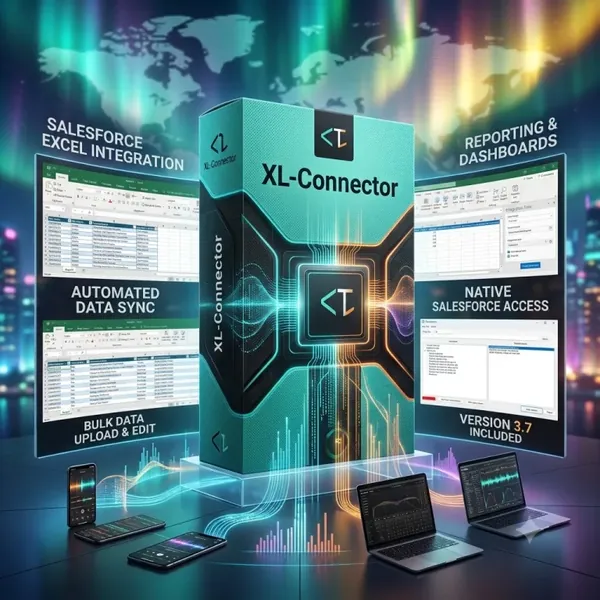
Free Download XL-Connector 3.7.23 | 309.3 Mb
XL-Connector is an Excel-based integration plugin that connects Microsoft Excel with Salesforce, allowing users to import, export, refresh, and transform Salesforce data directly from a familiar spreadsheet environment. It is designed for Salesforce administrators, analysts, and teams that need efficient data management workflows.
The plugin combines Excel data tools with Salesforce connectivity to simplify bulk operations, data updates, and metadata management tasks. Users can work with Salesforce records using Excel features such as formulas, charts, and pivot tables while maintaining a direct connection to their Salesforce environment.
Software Overview
XL-Connector provides tools for managing Salesforce data directly through Excel. Users can retrieve information from existing Salesforce reports or create custom SOQL queries to extract specific records for analysis and processing.
The application allows users to prepare and transform data in Excel before sending it back to Salesforce. It supports bulk operations for creating, updating, upserting, and managing Salesforce objects without traditional row limitations.
XL-Connector also includes Salesforce metadata management capabilities, enabling administrators to handle fields, validation rules, processes, picklists, security settings, custom metadata, and other configuration elements from within Excel.
Key Features
- Connect Excel directly with Salesforce data.
- Export Salesforce records into Excel worksheets.
- Import and update Salesforce data from Excel.
- Build SOQL queries directly inside Excel.
- Use Excel formulas, charts, and pivot tables with Salesforce data.
- Perform bulk create, update, and upsert operations.
- Manage Salesforce duplicate records in bulk.
- Delete Salesforce records in bulk when required.
- Support Salesforce data migration workflows.
- Manage Salesforce metadata including fields and validation rules.
- Work through a locally installed application with encrypted communication.
Why Choose XL-Connector
XL-Connector provides Salesforce users with a practical way to manage business data through Excel-based workflows. It helps administrators and teams handle large-scale data operations while reducing the need for manual Salesforce record management.
The plugin is suitable for organizations that rely on Salesforce and require flexible tools for data preparation, maintenance, migration, and administration.
System Requirements
Microsoft Excel and Salesforce environment
Home Page
https://www.xappex.com/
Product Information
- Software Name: XL-Connector
- Version: 3.7.23
- Languages: English
- License type: Full Version
- File Size: 309.3 Mb
DOWNLOAD LINK
Rapidgator
vfu6j.XLConnector.3.7.23.rar.html
UploadCloud
vfu6j.XLConnector.3.7.23.rar.html
DDownload
vfu6j.XLConnector.3.7.23.rar
FreeDL
vfu6j.XLConnector.3.7.23.rar.html
Links are Interchangeable - No Password - Single Extraction
We need your support!
Make a donation to help us stay online

Bitcoin (BTC)
bc1q08g9d22cxkawsjlf8etuek2pc9n2a3hs4cdrld

Bitcoin Cash (BCH)
qqvwexzhvgauxq2apgc4j0ewvcak6hh6lsnzmvtkem

Ethereum (ETH)
0xb55513D2c91A6e3c497621644ec99e206CDaf239

Litecoin (LTC)
ltc1qt6g2trfv9tjs4qj68sqc4uf0ukvc9jpnsyt59u

USDT (ERC20)
0xb55513D2c91A6e3c497621644ec99e206CDaf239

USDT (TRC20)
TYdPNrz7v1P9riWBWZ317oBgJueheGjATm
Information |
|||
 |
Users of GUESTS are not allowed to comment this publication. | ||