


Ashampoo Snap Pro 26.0.2 (x64) Multilingual Portable
Category: Apps (SEO/Marketing/Design)
- views: 178
- date: 30 May 2026
- posted by: mitsumi
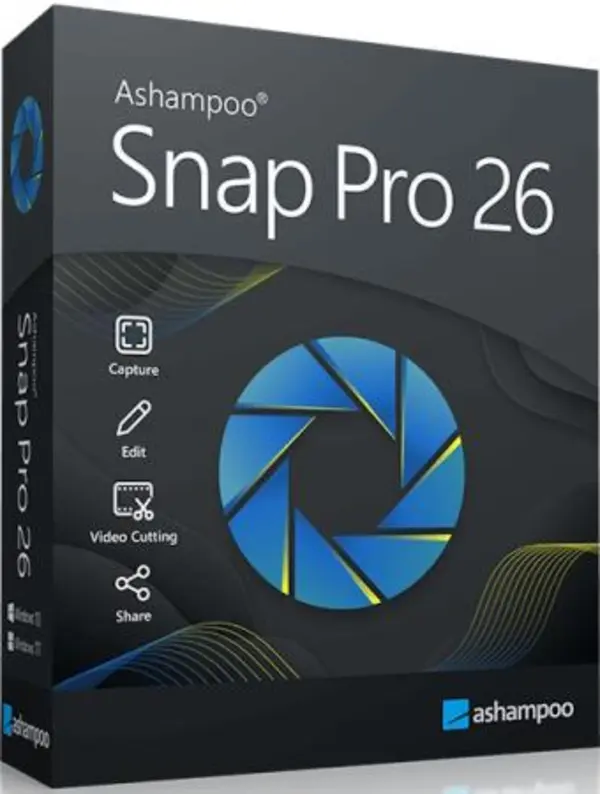
Ashampoo Snap Pro 26.0.2 (x64) Multilingual Portable Fast Links | 219 MB
Ashampoo Snap Pro 26 is a powerful screen capture and video recording software for Windows that makes it easy to capture, edit, and share screenshots or videos in seconds. The latest version introduces major improvements in performance, stability, workflow, and real-time editing capabilities.
Key Features of Ashampoo Snap Pro 26
- Capture screenshots and videos with high quality
- Scrolling capture support for long webpages and documents
- Record screen with audio and webcam integration
- Built-in image editor with text, arrows, highlights, blur effects, and annotations
- Create animated GIFs from videos
- OCR text recognition supporting over 180 languages
- Optimized for multi-monitor and 4K environments
- Export to PNG, JPG, PDF, and cloud services
- Improved performance with lower RAM usage
Live Edit – Annotate Directly on Your Desktop
The new Live Edit feature allows you to draw, highlight, add arrows, or write notes directly on your desktop before taking a screenshot. Unlike traditional capture tools, your screen remains interactive while editing.
Perfect for:
- Software tutorials
- Technical documentation
- Training materials
- Presentation screenshots
Faster and More Stable Performance
Ashampoo Snap Pro 26 is built on a completely redesigned technical foundation that delivers:
- Faster startup times
- Improved responsiveness
- Reduced memory usage
- Better stability during long recording sessions
Easy Video Editing
The software includes useful video editing tools that let you:
- Trim videos
- Remove unnecessary scenes
- Cut ads or pauses
- Add live annotations while recording
- Visualize mouse clicks during tutorials
Advanced OCR Text Recognition
Ashampoo Snap now supports OCR recognition in more than 180 languages using Windows language packs for improved accuracy and speed.
Perfect for Multi-Monitor Setups
The application fully supports:
- Full HD, 2K, and 4K resolutions
- Different DPI monitor configurations
- Multi-display workstations
Create GIFs from Any Video
Convert selected video segments into animated GIFs quickly and easily for tutorials, demos, or social sharing.
Software Information
Software Name: Ashampoo Snap Pro 26
Version: 26.0.2
Architecture: x64
Language: Multilingual
Release Type: Portable
System Requirements
- Windows 11 (64-bit)
- Windows 10 (64-bit)
Homepage:
https://www.ashampoo.com/
Rapidgator
We need your support!
Make a donation to help us stay online

Bitcoin (BTC)
bc1q08g9d22cxkawsjlf8etuek2pc9n2a3hs4cdrld

Bitcoin Cash (BCH)
qqvwexzhvgauxq2apgc4j0ewvcak6hh6lsnzmvtkem

Ethereum (ETH)
0xb55513D2c91A6e3c497621644ec99e206CDaf239

Litecoin (LTC)
ltc1qt6g2trfv9tjs4qj68sqc4uf0ukvc9jpnsyt59u

USDT (ERC20)
0xb55513D2c91A6e3c497621644ec99e206CDaf239

USDT (TRC20)
TYdPNrz7v1P9riWBWZ317oBgJueheGjATm
Information |
|||
 |
Users of GUESTS are not allowed to comment this publication. | ||