


Free Snipping Tool Pro 7.7.0.0
Category: Apps (SEO/Marketing/Design)
- views: 157
- date: 15 April 2025
- posted by: newapp2023
File size: 50.3 MB
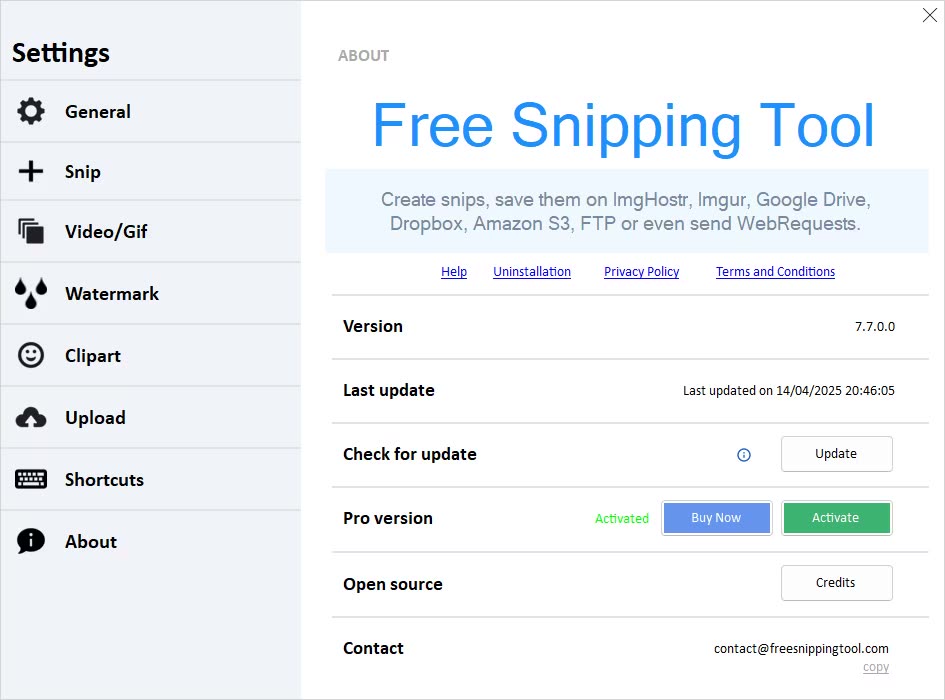
Windows 7 and onwards versions come with a built-in snipping tool that allows you to take snapshots quickly and easily. However, there are a few features that the integrated screen capture tool of the operating system does not have. That is where Free Snipping Tool comes in, providing an enhanced alternative to the Windows capture utility, with additional options for screenshot sharing.
Free drawing tools and integrated highlighter
Taking a new snapshot is very easy. Free Snipping Tool enables you to select the rectangular desktop area to capture and prompts you to save it on the hard disk. Delayed snapshot taking is also possible.
The snapshot is displayed within the main window once you save it, and you can use the application's toolbox to pinpoint important areas using the highlighter or freely draw on top of the picture with the pen. Free Snipping Tool features a few simple shapes you can overlay onto the image, including lines of different width, circles, rectangles, and arrows.
Supports FTP, Dropbox, and Google Drive upload, as well as WebRequests
Free Snipping Tool automatically generates a shareable link that you can send to anyone to let them preview the picture in a web browser. But there are also other sharing options: you can upload the image to an FTP server or storage services such as Dropbox or Google Drive. Moreover, the application features support for sending WebRequests to any webpage. No matter the sharing method you choose, please keep in mind that you should configure the accounts and connection details beforehand in the Options window.
A user-friendly capture utility that needs further improvements
Nobody can argue that Free Snipping Tool brings additional features that make it more desirable than the Windows' capture application. However, adding it features available in competitor software, such as window, region, and desktop capturing, watermarking, cursor capturing, extra photo editing tools, support for other file-sharing services would definitely add to its value.
Whats New
https://freesnippingtool.com/whats-newHomePage:
https://freesnippingtool.com/
-:DOWNLOAD FROM LINKS:-
Download From RapidGator
https://rapidgator.net/file/da511b4a34b0b43dd3bdfb718b58d433/
Download From NitroFlare
https://nitroflare.com/view/51181949391ED4C/
We need your support!
Make a donation to help us stay online

Bitcoin (BTC)
bc1q08g9d22cxkawsjlf8etuek2pc9n2a3hs4cdrld

Bitcoin Cash (BCH)
qqvwexzhvgauxq2apgc4j0ewvcak6hh6lsnzmvtkem

Ethereum (ETH)
0xb55513D2c91A6e3c497621644ec99e206CDaf239

Litecoin (LTC)
ltc1qt6g2trfv9tjs4qj68sqc4uf0ukvc9jpnsyt59u

USDT (ERC20)
0xb55513D2c91A6e3c497621644ec99e206CDaf239

USDT (TRC20)
TYdPNrz7v1P9riWBWZ317oBgJueheGjATm
Information |
|||
 |
Users of GUESTS are not allowed to comment this publication. | ||