Apache Kafka Series - Kafka Connect Hands-On Learning
Date: 6 October 2026 | Posted by: AD-TEAM

Apache Kafka Series - Kafka Connect Hands-On Learning
Last updated 9/2023
MP4 | Video: h264, 1920x1080 | Audio: AAC, 44.1 KHz
Language: English | Size: 2.45 GB | Duration: 4h 27m
What you'll learn
Configure and run Apache Kafka Source and Sink Connectors
Learn concepts behind Kafka Connect & the Kafka Connect architecture
Launch a Kafka Connect Cluster using Docker Compose
Deploy Kafka Connectors in Standalone and Distributed Mode
Write your own Kafka Connector
Requirements
Good understanding of Kafka Basic is REQUIRED to take this course
A recent Windows / Mac / Linux machine with minimum 4GB of RAM, 5 GB of disk space
Good to have knowledge about Linux command line
Good to have knowledge about Docker
A note book and pen is recommended to take notes during the entire course
Description
A Comprehensive and Brand New Course for Learning Apache Kafka Connect Framework with Hands-on Training – (Launched in April 2017)Kafka Connect is a tool for scalable and reliable streaming data between Apache Kafka and other data systems. Apache Kafka Connect is a common framework for Apache Kafka producers and consumers.
Apache Kafka Connect offers an API, Runtime, and REST Service to enable developers to define connectors that move large data sets into and out of Apache Kafka in real time. It inherits strong concepts such as fault-tolerance and elasticity thanks to being an extension of Apache Kafka. Kafka Connect can ingest entire databases, collect metrics, gather logs from all your application servers into Apache Kafka topics, making the data available for stream processing with low latency.
Kafka Connect standardises integration of other data systems with Apache Kafka, simplifying connector development, deployment, and management.
In this course, we are going to learn the Kafka Connector deployment, configuration and management with hands-on exercises. We are also going to see the distributed and standalone modes to scale up to a large, centrally managed service supporting an entire organisation or scale down to development, testing, and small production deployments. The REST interface to submit and manage connectors to your Kafka Connect cluster via an easy to use REST API's.
Students Loved this course – Students have rated the course with 5 stars.!!Tin Pavlinic says "This course is an excellent resource for those getting started with Apache Kafka-Connect. Stephane explains concepts very clearly and provides plenty of practical examples. The setup is easy. You can follow the examples along on your own machine, and then experiment further. I highly recommend this Apache Kafka course." Alan V says "This course is GREAT: 1. The teacher provides clear explanations of the role to Kafka Connector in Kafka Streaming Solution architecture. 2. The course uses docker-compose.yml to help learners quick build a practice environment. 3. The course is well organized and easy to understand the idea, behind Kafka Connector. The teacher guides you how to use the tool step by step. 4. The provided shell commands are all well commented and steps by steps to guide users. If you read the comments in the shell script files after the course, it will remind you what the teacher just taught in the videos. 5. The teacher is very responsible to learners' questions and very helpful. If you are a professional developer, I highly recommend you to attend this course." Sagar Joshi says "It was very engaging and interesting course. I recommend taking this Apache Kafka course. Stephane has provided all the required details and its really a hands-on training course. Thank you..!!" =InstructorMy name is Stephane Maarek, and I'll be your instructor in this course. I teach about Apache Kafka, the Kafka ecosystem and Kafka Certifications with my focus always on helping my students improve their professional proficiencies. I am also the co-founder of Conduktor: an enterprise Apache Kafka platform & UI to help everyone use Kafka.Throughout my career in designing and delivering these certifications and courses, I have already taught 1,000,000+ students and gotten 350,000+ reviews!With Apache Kafka becoming much more than a buzzword out there, I've decided it's time for students to properly learn how to be a Kafka professional. So, let's kick start the course! You are in good hands!=This Course Also Comes With:Lifetime Access to All Future UpdatesA responsive instructor in the Q&A SectionLinks to interesting articles, and lots of good code to base your next applications ontoUdemy Certificate of Completion Ready for DownloadThis is the course that could improve your career!Apache Kafka is a skill in high demand and there are not enough people to fulfill all the open positions. You can boost your income, take on new roles and fun challenges. Many of my students are now the Kafka experts of their companies! You can be the next!I hope to see you inside the course!===Note: Looking for more advanced Kafka concepts? There are many volumes in the Apache Kafka Series:Learn Kafka for Beginners v2 (great to start)Kafka Connect Hands On LearningKafka Streams for Data ProcessingKSQL on ksqlDB - Hands On!Kafka Cluster Setup & AdministrationConfluent Schema Registry & Kafka REST ProxyKafka Security (SSL SASL ACL)Kafka Monitoring and OperationsHappy learning!
Overview
Section 1: Course Introduction
Lecture 1 Important Pre-Requisites
Lecture 2 Course Objectives
Lecture 3 Course Structure
Lecture 4 About Your Instructor
Section 2: Code Download
Lecture 5 Code Download
Section 3: Kafka Connect Concepts
Lecture 6 What is Kafka Connect?
Lecture 7 Kafka Connect Architecture Design
Lecture 8 Connectors, Configuration, Tasks, Workers
Lecture 9 Standalone vs Distributed Mode
Lecture 10 Distributed Architecture in Details
Section 4: Setup and Launch Kafka Connect Cluster
Lecture 11 Important information about installation
Lecture 12 Docker on Mac (recent versions)
Lecture 13 Docker Toolbox on Mac (older versions)
Lecture 14 Docker on Linux (Ubuntu as an example)
Lecture 15 Docker on Windows 10 64bit
Lecture 16 Docker Toolbox on Windows (older versions)
Lecture 17 Important note for Docker Toolbox users
Lecture 18 Starting Kafka Connect Cluster using Docker Compose
Section 5: Troubleshooting Kafka Connect
Lecture 19 It's not working! What to do?
Lecture 20 Where to view logs?
Lecture 21 Asking a question in the Q&A
Section 6: Kafka Connect Source - Hands On
Lecture 22 Kafka Connect Source Architecture Design
Lecture 23 FileStream Source Connector - Standalone Mode - Part 1
Lecture 24 FileStream Source Connector - Standalone Mode - Part 2
Lecture 25 FileStream Source Connector - Distributed Mode
Lecture 26 List of Available Connectors
Lecture 27 Twitter Source Connector - Distributed Mode - Part 1
Lecture 28 Twitter Source Connector - Distributed Mode - Part 2
Lecture 29 Section Summary
Section 7: Kafka Connect Sink - Hands On
Lecture 30 Kafka Connect Sink Architecture Design
Lecture 31 ElasticSearch Sink Connector - Distributed Mode - Part 1
Lecture 32 ElasticSearch Sink Connector - Distributed Mode - Part 2
Lecture 33 Kafka Connect REST API
Lecture 34 JDBC Sink Connector - Distributed Mode
Section 8: Writing your own Kafka Connector
Lecture 35 Goal of the section: GitHubSourceConnector
Lecture 36 Finding the code and installing required software
Lecture 37 Description of the GitHub Issues API
Lecture 38 Using the Maven Archetype to get started
Lecture 39 Config Definitions
Lecture 40 Connector Class
Lecture 41 Writing a schema
Lecture 42 Data Model for our Objects
Lecture 43 Writing our GitHub API HTTP Client
Lecture 44 Source Partition & Source Offsets
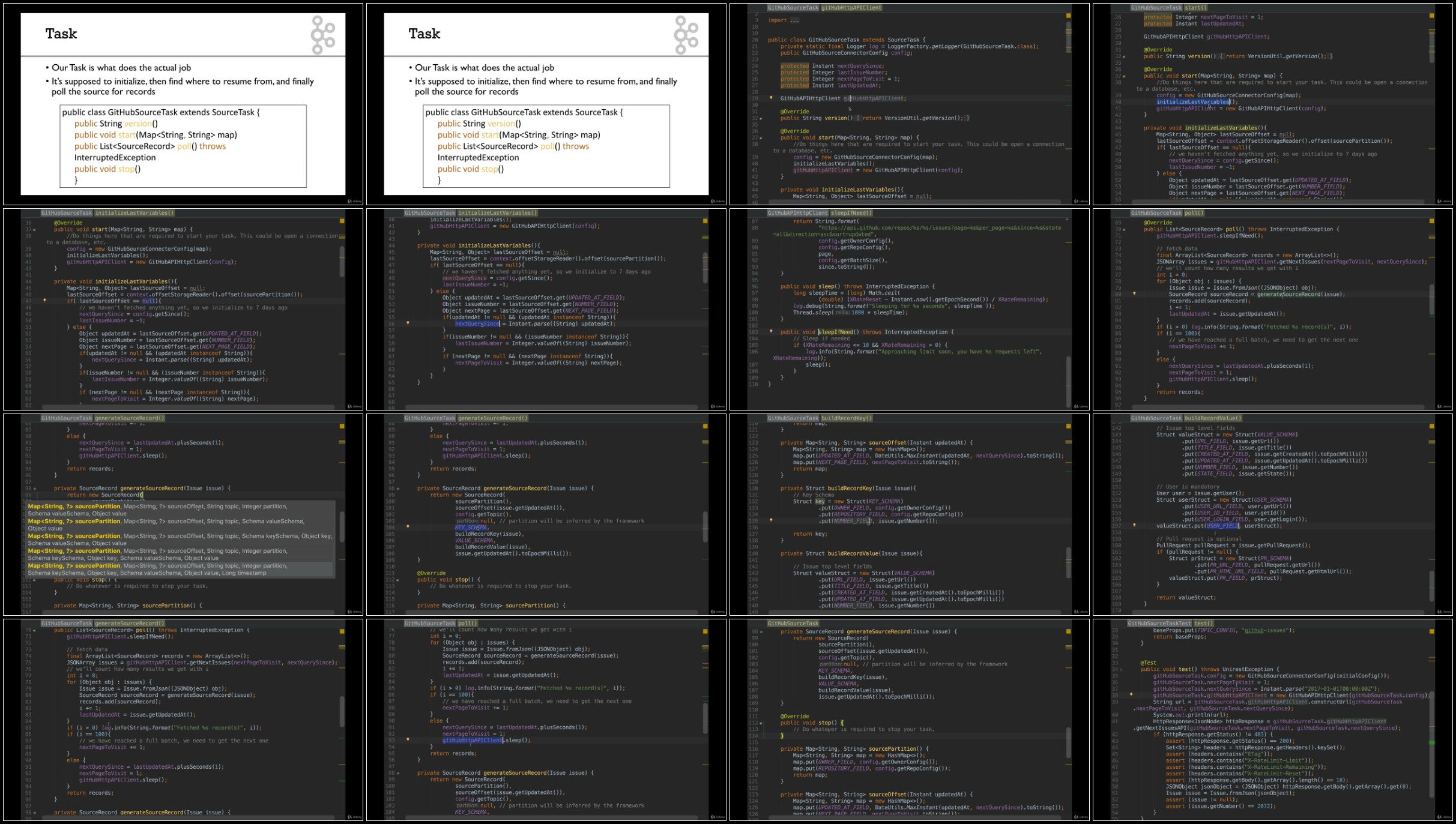
Lecture 45 Source Task
Lecture 46 Building and running a Connector in Standalone Mode
Lecture 47 Command for next lecture
Lecture 48 Deploying our Connector on the Landoop cluster
Lecture 49 More Resources for Developers
Section 9: Advanced Concepts
Lecture 50 Setting up Kafka Connect in Production (1/2)
Lecture 51 Setting up Kafka Connect in Production (2/2)
Lecture 52 What's next?
Lecture 53 Congratulations and Thank you!
Lecture 54 THANK YOU!
Lecture 55 Bonus Lecture
Developers who wants to learn Apache Kafka Connect Framework and get hands-on with it,Professionals who are good at Apache Kafka ecosystem and basic core concepts,Architects who want to understand how Kafka Connect fits in their Solution Architecture
RapidGator
https://rapidgator.net/file/8c8f0c1a60bc7d8e02389600f0fec126/
https://rapidgator.net/file/843ba5005d113f1e91f12ede7ee43397/
DDownload
NitroFlare
See full article