Working with ServiceNow Service Catalog
Date: 25 August 2026 | Posted by: AD-TEAM

Working with ServiceNow Service Catalog
MP4 | Video: h264, 1920x1080 | Audio: AAC, 44.1 KHz, 2 Ch
Genre: eLearning | Language: English (US) | Duration: 3.5 h | Size: 1.34 GB
The
ServiceNow Service Catalog
is a powerful tool that enables organizations to digitize and streamline service requests, from IT hardware and software to HR inquiries and access provisioning. In this hands-on course, you'll learn exactly how to configure and manage a modern
Service Catalog
using the latest
Yokohama
Personal Developer Instance (PDI), all through a practical scenario that simulates real-life business needs.
We'll start with the basics of setting up your instance and understanding how the
Employee Center
(ESC) differs from the traditional Service Portal. We will explore widgets, end-user experience, and understand why ESC is becoming the preferred interface for request management(and not only) in modern ServiceNow implementations.
From there, we will build the foundation of your
Service Catalog
. You'll learn what a
catalog item
is, how
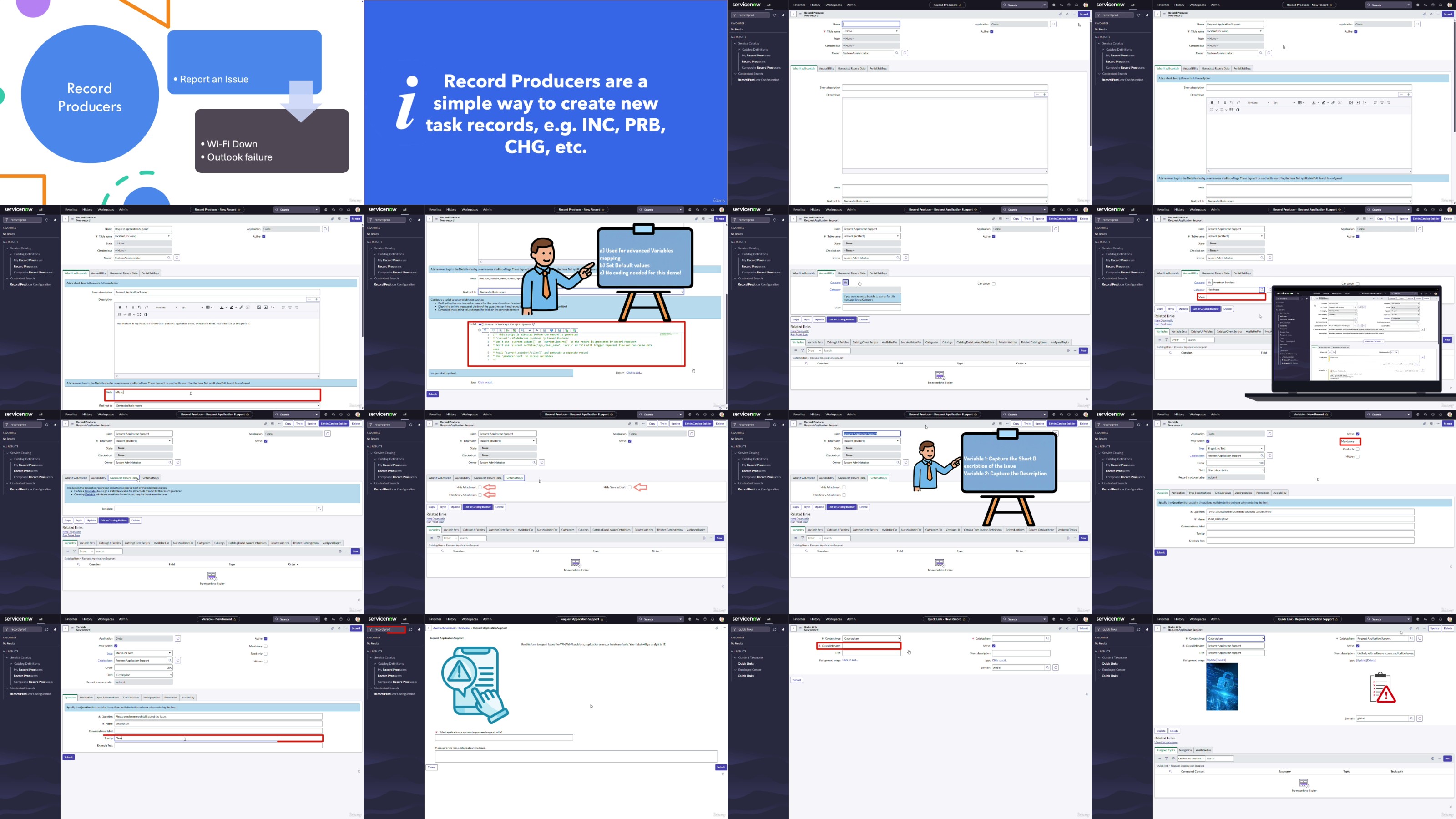
record producers
and
order guides
work, and how to create your own catalog from scratch.
With clear demos, you'll follow the creation of a "Laptop Request" catalog item, adding
variables
,
UI policies,
and reusable
variable sets
to enhance flexibility and maintainability.
The course then moves into more advanced topics, including using the
Catalog Item Builder
for quick item creation and understanding when it makes sense to use it. You'll also explore record producers,
content items
linked to
knowledge articles
, and building a full onboarding kit using
order guides
.
Automation
is a key part of ServiceNow's value, and you'll see how to use
Flow Designer
to auto-assign requests, including a comparison with the legacy Workflow Editor. To complete the experience, we'll cover taxonomy, tagging, and topic mapping so your catalog items display properly in the Employee Center.
Finally, we'll focus on making your catalog intelligent and scalable using
taxonomy
and
topics
. You'll learn how to tag catalog items properly and map them to the Employee Center so they show up in the right places, and thus enhancing discoverability and user satisfaction.
By the end of the course, you'll be ready to build a clean, scalable, and smart
catalog
that feels modern and delivers real value.
Whether you're an admin, consultant, or power user, this course will sharpen your ServiceNow skills.
See you on the other side, let's build something great together!
More Info

RapidGator
https://rapidgator.net/file/c5417f7254afaee54c85573731344710/yxusj.Udemy.-.Working.with.ServiceNow.Service.Catalog.part1.rar
https://rapidgator.net/file/8ee0f5b03c5a091a7f5e57d8da9bfcf7/yxusj.Udemy.-.Working.with.ServiceNow.Service.Catalog.part2.rar
DDownload
https://ddownload.com/oxtl5fy9i6it/yxusj.Udemy.-.Working.with.ServiceNow.Service.Catalog.part1.rar
https://ddownload.com/c3x8t1t9lvs5/yxusj.Udemy.-.Working.with.ServiceNow.Service.Catalog.part2.rar
NitroFlare
https://nitroflare.com/view/002C903E7556D58/yxusj.Udemy.-.Working.with.ServiceNow.Service.Catalog.part1.rar
https://nitroflare.com/view/4694F29A51DDD99/yxusj.Udemy.-.Working.with.ServiceNow.Service.Catalog.part2.rar
UsersDrive
See full article