Advanced Microsoft Windows 11 File Management for IT Mastery
Date: 13 July 2025 | Posted by: AD-TEAM

2.92 GB | 16min 15s | mp4 | 1280X720 | 16:9
Genre:eLearning |Language:English
Files Included :
1 -Understanding Windows 11 File System Fundamentals.mp4 (165.45 MB)
2 -Using File Explorer to Mange your Files and Folders.mp4 (79.74 MB)
3 -Customizing File Explorer Views and Settings.mp4 (91.33 MB)
4 -The Windows Default Folders.mp4 (58.52 MB)
5 -Using File Explorer Libraries.mp4 (92.93 MB)
6 -Working with HiddenSystem Files and Protected OS Files.mp4 (55.24 MB)
1 -Using Advanced Search Operators in File Explorer.mp4 (62.79 MB)
2 -Creating and Using Saved Searches.mp4 (55.4 MB)
3 -Searching Files and Folders Based on Metadata Information.mp4 (79.73 MB)
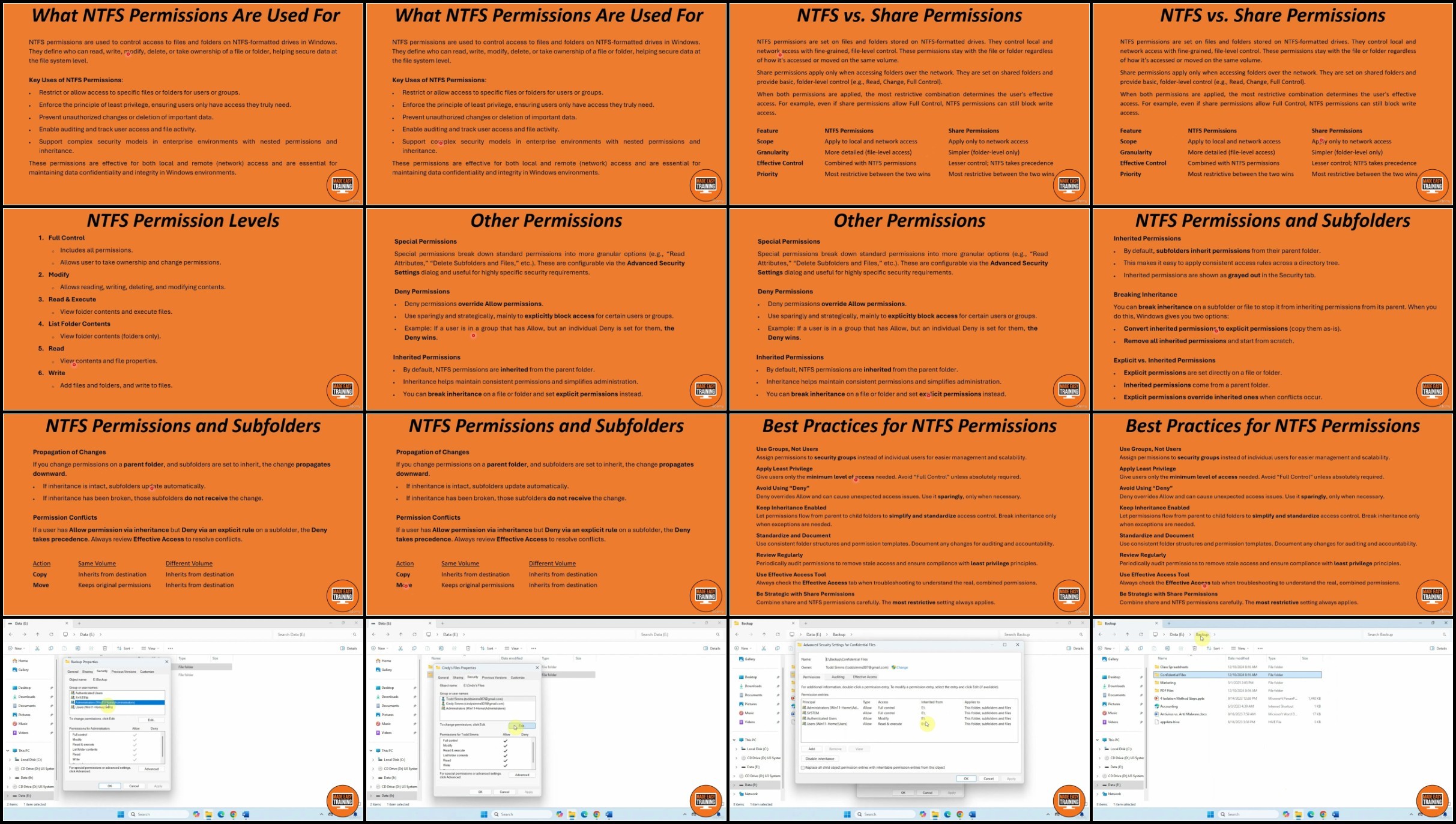
1 -Understanding NTFS Permissions.mp4 (176.47 MB)
2 -Changing Folder Permissions via the Command Line.mp4 (95.82 MB)
3 -Taking Ownership of Files and Folders.mp4 (37.03 MB)
4 -Common Permission Issues.mp4 (66.34 MB)
1 -Creating and Managing Compressed Folders.mp4 (136.17 MB)
2 -Understanding and Using NTFS File Compression.mp4 (85.54 MB)
3 -Using EFS (Encrypting File System) for Basic Security.mp4 (135.95 MB)
4 -How to Unencrypt and Uncompress Files Via the Command Line.mp4 (35.57 MB)
5 -How to Show Compressed & Encrypted Files in Color in File Explorer.mp4 (14.32 MB)
6 -How to Quicky Find what Files and Folders are Compressed on your Computer.mp4 (27.21 MB)
7 -Tips for Managing Storage Space.mp4 (127.95 MB)
8 -MBR (Master Boot Record) vs GPT (GUID Partition Table) Disks.mp4 (91.77 MB)
9 -Hard Disk Partitioning.mp4 (141.15 MB)
1 -Common Windows File and Folder Management Commands.mp4 (54.61 MB)
2 -Introduction to File-Related PowerShell Commands.mp4 (75.99 MB)
3 -Bulk Renaming of Files Using PowerShell.mp4 (47.61 MB)
1 -Share Permissions vs NTFS Permissions.mp4 (44.82 MB)
2 -Setting Up a Shared Folder on a Local Network.mp4 (45.79 MB)
3 -Accessing Shared Folders Over a Network.mp4 (95.94 MB)
4 -Mapping and Persisting Network Drives.mp4 (38.65 MB)
1 -Using File History for Personal File Backups.mp4 (55.13 MB)
2 -Creating a Windows System Image for PC Recovery.mp4 (43.63 MB)
3 -Using Robocopy for Custom Backups.mp4 (107.75 MB)
4 -Third Party Backup App Demonstration.mp4 (37.37 MB)
1 -Using Check Disk (CHKDSK) to Fix Drive Errors.mp4 (88.94 MB)
2 -Using DISM and SFC to Repair Windows System Images and Files.mp4 (44.56 MB)
3 -Cleaning Temporary Windows Files.mp4 (37.66 MB)
4 -Using Third Party Apps to Analyze Disk Usage.mp4 (73.04 MB)
1 -Using Storage Spaces to Create Virtual Drives.mp4 (101.5 MB)
2 -Mount a Folder as Virtual Drive with a Drive Letter in File Explorer.mp4 (31.93 MB)
3 -How to Print or Export a DirectoryFolder Contents in Windows.mp4 (47.25 MB)]
Screenshot
RapidGator
https://rapidgator.net/file/d91eadc17935d6acda77728253ef4afd/
https://rapidgator.net/file/bf53532f23e246ab385b3d02fd2407a4/
https://rapidgator.net/file/7b11de659e4a514cdc5ff4248942162f/
NitroFlare
https://nitroflare.com/view/E5786D81ECC6BAC/
https://nitroflare.com/view/1F64FADBE890F7C/
https://nitroflare.com/view/B34805D61FFF3E8/
See full article