How to Publish a Game on Steam - Unreal Engine 5 - Pixel Helmet
Date: 29 March 2025 | Posted by: AD-TEAM

718.49 MB | 13min 44s | mp4 | 1280X720 | 16:9
Genre:eLearning |Language:English
Files Included :
1 Introduction.mp4 (44.39 MB)
10 Joining Steamworks.mp4 (46.04 MB)
11 Steamworks Dashboard.mp4 (24.42 MB)
12 The Checklist.mp4 (54.85 MB)
13 Price & Release Date.mp4 (41.44 MB)
14 The Store Page.mp4 (139.25 MB)
15 Steamworks Documentation.mp4 (29.79 MB)
16 Uploading Game to Steam.mp4 (42.33 MB)
17 The Release Button.mp4 (10.19 MB)
18 Steam Keys.mp4 (27.89 MB)
19 What Now.mp4 (16.47 MB)
2 Downloading Unreal Engine 5.mp4 (20.77 MB)
3 Creating the Project.mp4 (48.86 MB)
4 Game Package Settings.mp4 (52.14 MB)
5 Packaging the Game.mp4 (48.56 MB)
6 Testing the Game.mp4 (13.75 MB)
7 Zipping up the Game.mp4 (9.84 MB)
8 Creating a Steam Account.mp4 (6.6 MB)
9 Creating a Company (Optional).mp4 (40.88 MB)]
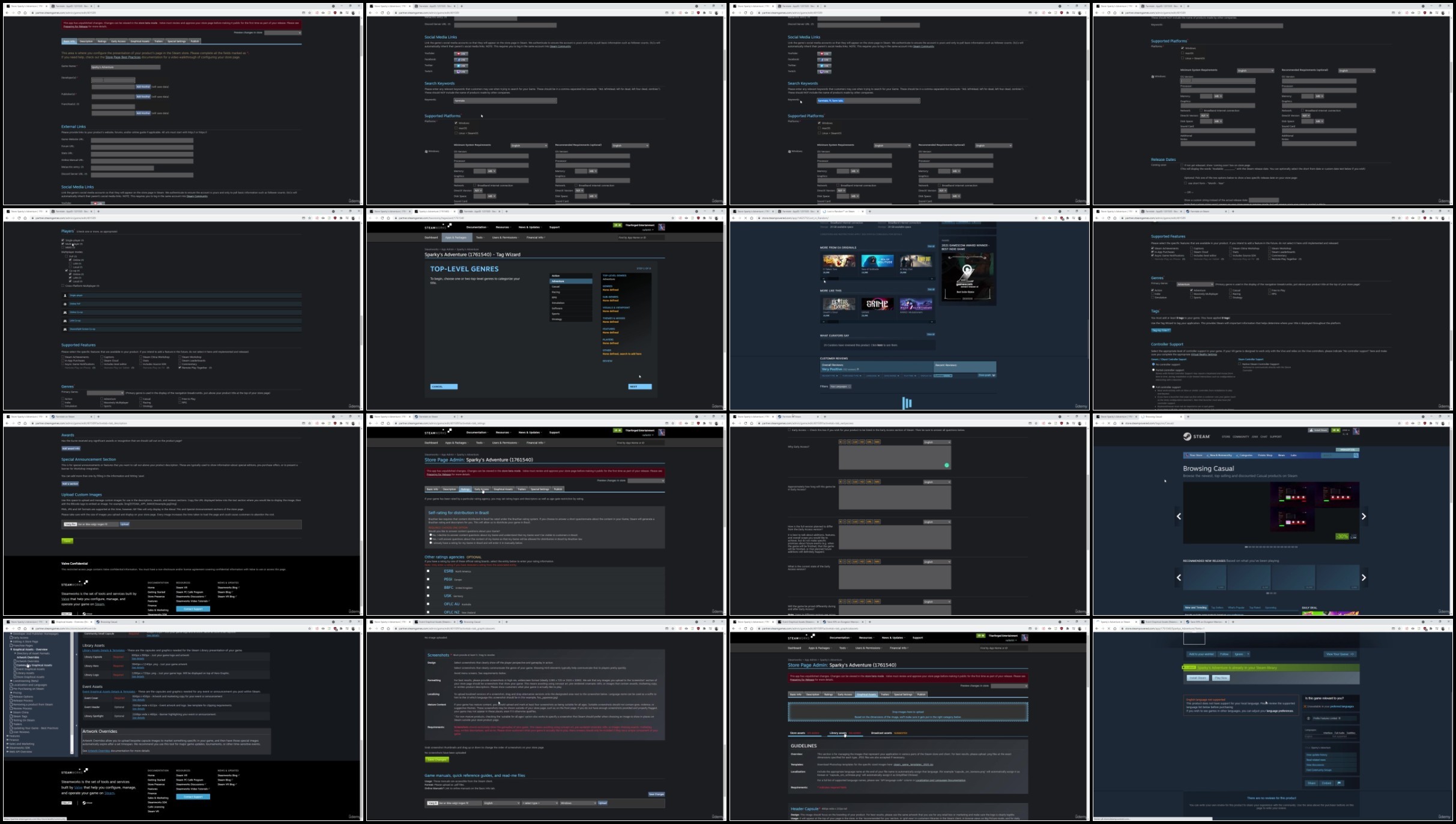
Screenshot
AusFile
RapidGator
TurboBit
See full article