Operating Systems Fundamentals
Date: 23 March 2025 | Posted by: AD-TEAM

1.12 GB | 00:10:20 | mp4 | 1280X720 | 16:9
Genre:eLearning |Language:English
Files Included :
01 introduction-to-the-ata-track.mp4 (21.21 MB)
02 overview-of-ata-track.mp4 (6.29 MB)
03 advice-for-completing-the-ata.mp4 (25.02 MB)
05 course-syllabus.mp4 (20.31 MB)
01 the-linux-environment.mp4 (7.53 MB)
02 shell-syntax.mp4 (16.06 MB)
03 getting-basic-information.mp4 (7.38 MB)
05 getting-help.mp4 (15.79 MB)
01 virtualization.mp4 (11.87 MB)
03 installing-virtualbox-walkthrough.mp4 (6.77 MB)
05 installing-ubuntu-walkthrough.mp4 (20.12 MB)
07 using-basic-shell-commands-walkthrough.mp4 (16.27 MB)
01 performing-basic-linux-tasks-review.mp4 (22.48 MB)
01 understanding-file-systems.mp4 (9.38 MB)
02 standard-directories.mp4 (7.69 MB)
03 absolute-paths.mp4 (8.3 MB)
04 relative-paths.mp4 (8.27 MB)
06 file-browsers.mp4 (5.18 MB)
01 creating-and-removing-directories.mp4 (8.31 MB)
02 listing-files-and-directories.mp4 (7.48 MB)
03 working-with-files.mp4 (12.6 MB)
01 using-grep.mp4 (11.14 MB)
02 whereis-command.mp4 (4.15 MB)
03 find-command.mp4 (12.83 MB)
01 archiving.mp4 (8.67 MB)
02 working-with-directories-walkthrough.mp4 (6.14 MB)
04 searching-for-files-with-find-walkthrough.mp4 (17.33 MB)
06 performing-backups-walkthrough.mp4 (7.19 MB)
01 managing-the-file-system-in-linux-review.mp4 (21.04 MB)
01 the-vim-command.mp4 (10.68 MB)
03 the-cat-command.mp4 (9.3 MB)
04 diff-vimdiff-and-wc.mp4 (8.64 MB)
05 aspell-tr-and-redirecting-output.mp4 (7.31 MB)
02 ls-with-wildcards.mp4 (6.78 MB)
03 using-grep-with-expressions-to-find-numbers.mp4 (6.76 MB)
04 using-grep-with-expressions-to-find-letters.mp4 (15.04 MB)
05 using-grep-with-expressions-to-find-special-characters.mp4 (15.06 MB)
01 cut-command.mp4 (12.51 MB)
02 sort-command.mp4 (10.52 MB)
03 textutil-commands.mp4 (8.13 MB)
02 creating-text-files-using-vim-walkthrough.mp4 (7.76 MB)
04 editing-text-files-in-command-mode-walkthrough.mp4 (6.33 MB)
06 searching-text-files-walkthrough.mp4 (8.66 MB)
08 applying-textutil-commands-to-modify-the-output-walkthrough.mp4 (6.53 MB)
01 working-with-text-files-review.mp4 (27.73 MB)
01 creating-user-accounts.mp4 (17.47 MB)
02 modifying-user-accounts.mp4 (14.38 MB)
03 deleting-user-accounts.mp4 (9.61 MB)
01 passwords.mp4 (12.53 MB)
03 groups.mp4 (10.58 MB)
01 user-profiles.mp4 (8.65 MB)
03 the-skeleton-directory.mp4 (9.1 MB)
02 creating-user-and-group-accounts-walkthrough.mp4 (7.89 MB)
04 configuring-user-profiles-walkthrough.mp4 (13.12 MB)
06 configuring-a-new-user-account-walkthrough.mp4 (11.21 MB)
08 managing-group-accounts-walkthrough.mp4 (4.8 MB)
01 user-and-group-accounts-review.mp4 (14.21 MB)
01 permissions.mp4 (9.39 MB)
02 effective-permissions.mp4 (9.64 MB)
03 chmod-command.mp4 (9.59 MB)
04 default-file-and-directory-permissions.mp4 (15.88 MB)
05 chown-command.mp4 (7.55 MB)
01 special-permissions.mp4 (17.95 MB)
02 chattr-and-lsattr-commands.mp4 (10.72 MB)
02 modifying-file-and-directory-permissions-walkthrough.mp4 (10.45 MB)
04 modifying-file-and-directory-ownership-walkthrough.mp4 (4.17 MB)
06 setting-user-access-to-files-walkthrough.mp4 (19.25 MB)
01 managing-linux-permissions-and-ownership-review.mp4 (17.81 MB)
02 starting-and-stopping-linux-walkthrough.mp4 (6.01 MB)
04 managing-jobs-and-processes-walkthrough.mp4 (8.65 MB)
06 managing-timing-of-jobs-and-processes-walkthrough.mp4 (20.88 MB)
01 managing-jobs-and-processes-review.mp4 (37.8 MB)
02 creating-partitions-walkthrough.mp4 (22.31 MB)
04 mounting-file-systems-walkthrough.mp4 (12.42 MB)
06 maintaining-the-linux-file-system-walkthrough.mp4 (6.57 MB)
01 managing-partitions-and-the-linux-file-system-review.mp4 (26.46 MB)
02 configuring-system-log-settings-walkthrough.mp4 (9.7 MB)
04 configuring-rsyslogd-as-a-central-log-server-walkthrough.mp4 (5.52 MB)
01 managing-system-services-review.mp4 (31.39 MB)
01 capstone-introduction.mp4 (8.05 MB)
02 capstone-instructions.mp4 (47.93 MB)]
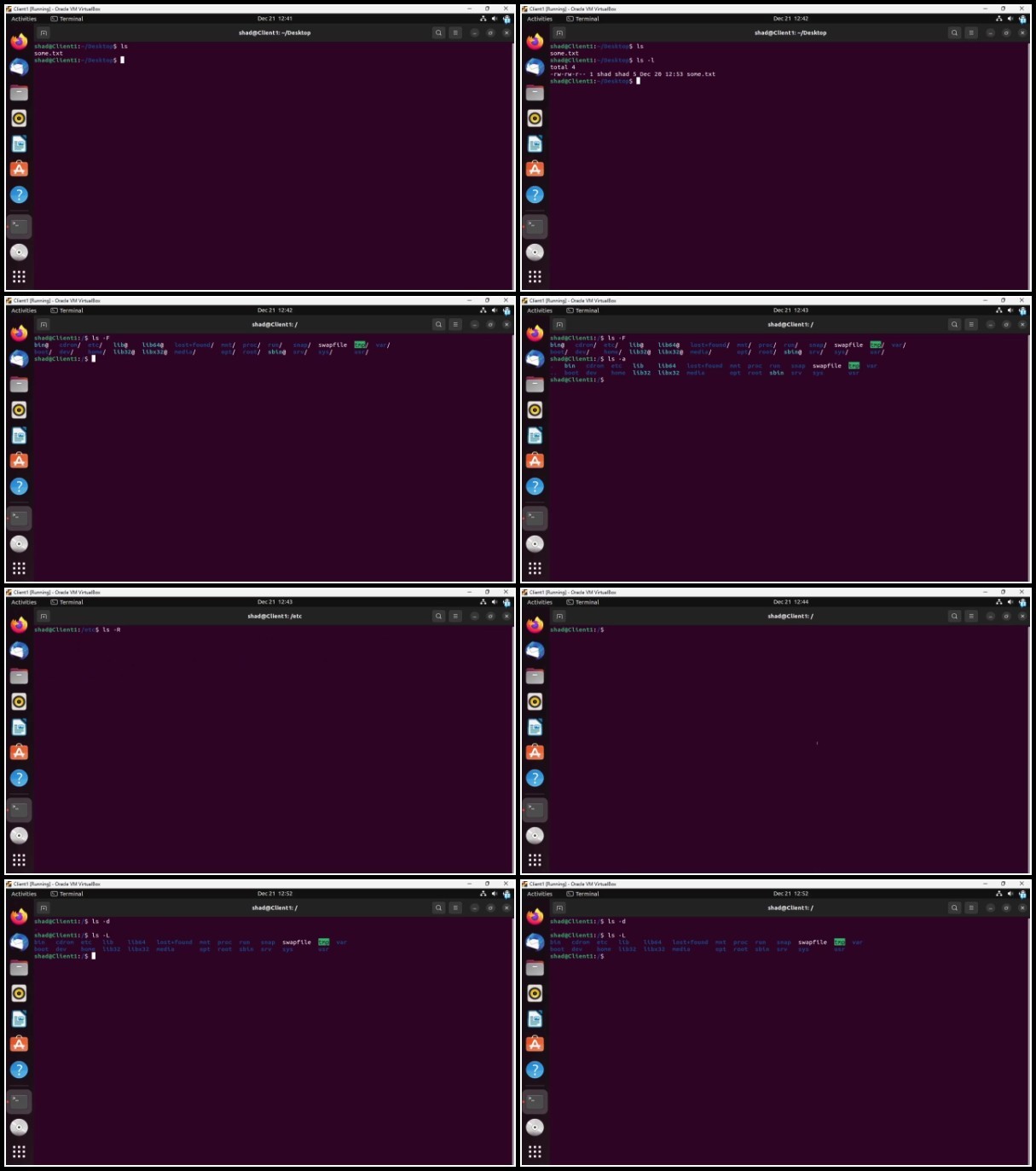
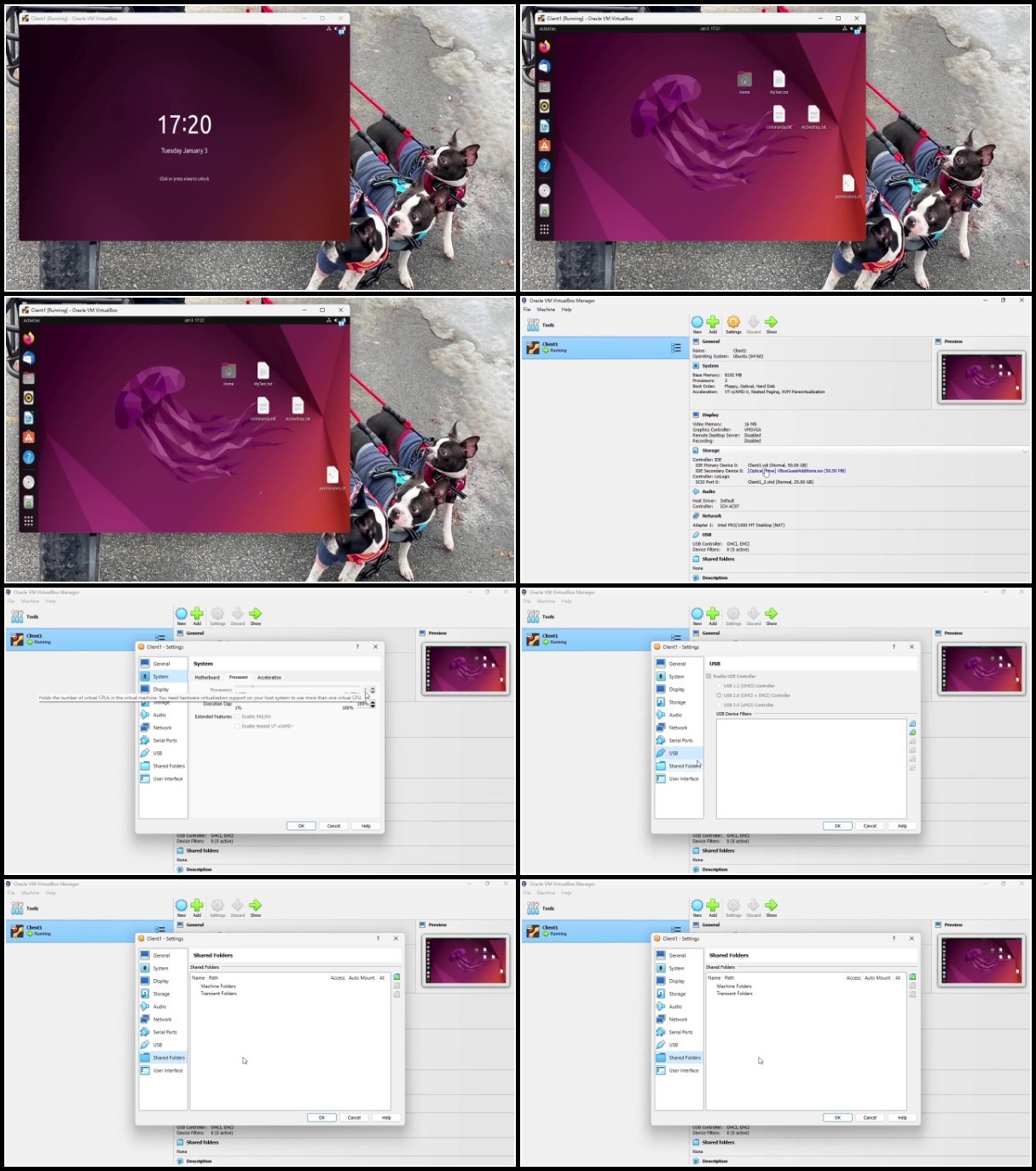
Screenshot






https://rapidgator.net/file/f23ba0816157ff9510fcb0e5e2a4c6c4/Coursera.-.Operating.Systems.Fundamentals.part1.rar
https://rapidgator.net/file/87dde7a820a54c32103f47aa874bb3e4/Coursera.-.Operating.Systems.Fundamentals.part2.rar
See full article