Aging wood and metal textures in Photoshop
Date: 30 December 2024 | Posted by: AD-TEAM

1.69 GB | 00:10:09 | flv | 1280X720 | 16:9
Genre:eLearning |Language:English
Files Included :
01 Introduction and project overview.flv (17.45 MB)
FLV
02 The basic metallic texture.flv (132.44 MB)
FLV
03 Paint stencils.flv (97.08 MB)
FLV
04 Creating paint layers.flv (125.28 MB)
FLV
05 Creating the specular map.flv (69.98 MB)
FLV
06 Creating the normal map.flv (149.24 MB)
FLV
07 Discussing placement of grunge and damage.flv (85.87 MB)
FLV
08 Constructing a crate.flv (144.82 MB)
FLV
09 Faking ambient occlusion.flv (136.04 MB)
FLV
10 Adding a grunge pass.flv (145.66 MB)
FLV
11 Adding a painted emblem and specular map.flv (116.72 MB)
FLV
12 Creating the normal map.flv (63.58 MB)
FLV
13 Creating shaders in 3ds Max.flv (160.99 MB)
FLV
14 Examining the final scene.flv (126.82 MB)
FLV
15 Shader description and final render.flv (95.63 MB)
FLV]
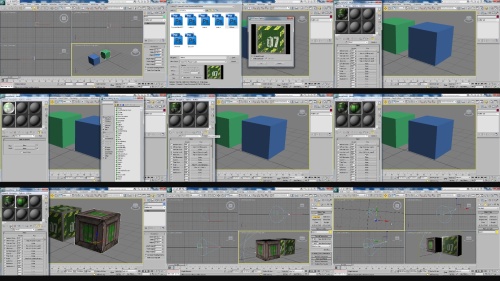
Screenshot
https://turbobit.net/wwg3lrl6rntm/Digital.Tutors.Aging.wood.and.metal.textures.in.Photoshop.rar.html
See full article