Hands On Cisco Labs: Master Course
Date: 2 November 2024 | Posted by: AD-TEAM
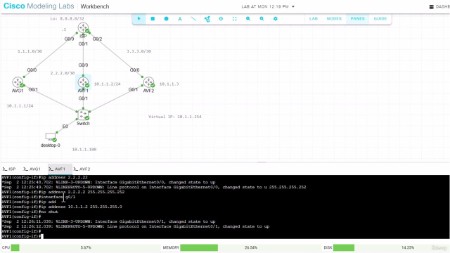
Hands On Cisco Labs: Master Course
Published 9/2024
MP4 | Video: h264, 1920x1080 | Audio: AAC, 44.1 KHz
Language: English | Size: 4.64 GB | Duration: 14h 11m
Master Cisco Networking Concepts with Practical Real-World Labs Using Cisco Labs
What you'll learn
How to configure OSPF in single and multi-area environments.
The fundamental concepts of internal and external BGP (iBGP and eBGP).
How to establish eBGP peering between different autonomous systems.
How to install and configure Cisco Modeling Labs for practical network simulation.
Configuring and verifying iBGP for internal network routing.
Best practices for configuring EIGRP in Cisco networks.
How to configure HSRP for gateway redundancy in routed networks.
The fundamentals of VRRP and how to implement it for redundancy.
Implementing GLBP for load balancing and redundancy in Cisco networks.
How to use Cisco routers for DHCP services and configure DHCP relay.
Importance of Static and Default Routes.
The key differences between VLANs, trunking, and access ports in a network environment.
How to implement and troubleshoot Spanning Tree Protocol (STP) and Rapid STP.
How to create, configure, and manage VLANs for effective network segmentation.
Best practices for configuring EtherChannel for link aggregation and redundancy.
The fundamentals of port security and how to apply it on Cisco switches.
How to prevent network loops using various loop prevention mechanisms.
How to configure 802.1X for network access control and security.
Requirements
Basic understanding of networking concepts (IP addressing, subnets, etc.).
Enthusiasm to engage in lab-heavy, hands-on learning.
Access to a computer with internet connectivity.
Familiarity with Cisco IOS commands is helpful but not required.
Interest in learning practical Cisco configurations.
A desire to improve network configuration and troubleshooting skills.
Description
Unlock the full potential of Cisco Labs in this hands-on course, Hands-On Cisco Labs: Master Course. Whether you're a beginner or an intermediate network professional, this course is designed to immerse you in practical, real-world configurations using a variety of lab technologies.You can follow along with Cisco Modeling Labs (CML), Packet Tracer, GNS3, EVE-NG, or simply watch the labs for a deeper understanding. This course is all about practical, hands-on labs with a strong focus on mastering Cisco configurations. We'll cut down on theory and dive right into the technical configurations that matter most in real-world scenarios. You'll gain experience configuring Routing, Switching and Quality of Service, plus lots more! All of this through guided labs that replicate actual network setups. Whether you're preparing for industry certifications like CCST, CCNA or CCNP, or simply looking to enhance your practical skills for real-world networking, this course is designed for you.By the end of the course, you'll be able to confidently configure and manage Cisco devices in real-world environments. With a series of lab-heavy exercises and practical examples, you'll gain the hands-on knowledge that's critical to succeed in networking. Join me, a seasoned network expert, and take your Cisco configuration skills to the next level as we work through advanced lab setups and real-world applications.This course is perfect for those looking to get practical experience without the heavy theory—it's all about learning by doing!This course will be frequently updated with new labs, configurations, and practical exercises to ensure you're always learning the most up-to-date Cisco technologies and techniques. Be sure to check back regularly for the latest content and enhancements!
Overview
Section 1: Introduction
Lecture 1 Introduction
Lecture 2 What is Cisco Modeling Labs?
Lecture 3 Installing Cisco Modeling Labs
Lecture 4 What is Cisco Packet Tracer?
Lecture 5 Why Learn Cisco?
Section 2: Cisco Modeling Labs Introduction and Basics
Lecture 6 Initial Lab Setup
Lecture 7 Add Static IP to Desktop/Server Device
Lecture 8 Desktop VNC and Console
Lecture 9 Monitor Resource Usage
Lecture 10 Delete Devices
Lecture 11 Delete Labs
Lecture 12 Cisco CML Reference Platforms
Lecture 13 CML Tools
Section 3: Switching Fundamentals
Lecture 14 Set NTP Client Configuration
Lecture 15 Setup SNMPv2 to Monitoring Server
Lecture 16 Set a VLAN IP Address
Lecture 17 Enable Console Passwords + Encrypt Local Passwords
Lecture 18 Save Configuration Best Practices
Lecture 19 AAA Switch Setup (TACACS+)
Lecture 20 SNMP Configuration - Cisco Switch with PRTG
Section 4: Switching Architecture
Lecture 21 Common Switching Architecture Fundamentals
Lecture 22 Understanding Switch Stacking in Cisco
Section 5: Switching VLANs and Trunking
Lecture 23 Access VLAN Fundamentals
Lecture 24 Trunk VLANs and Native VLANs in Cisco Switches
Lecture 25 Voice VLAN Fundamentals
Lecture 26 VLAN Real World Example
Section 6: Switching Spanning Tree
Lecture 27 PVST and Rapid Spanning Tree (RPST) Configuration
Lecture 28 Spanning Tree Loop Prevention Mechanisms
Lecture 29 Multiple Spanning Tree (MST) Configuration
Section 7: Switching Etherchannels (Link Aggregation / Port Channels)
Lecture 30 Layer 2 Etherchannel Configuration
Lecture 31 Layer 3 Etherchannel Configuration
Section 8: Switching Security
Lecture 32 Port Security Configuration
Lecture 33 802.1X Configuration
Lecture 34 DHCP Snooping Configuration
Section 9: Routing Fundamentals
Lecture 35 Static Routing
Lecture 36 Default Routing
Section 10: Network Address Translation (NAT)
Lecture 37 Port Address Translation (PAT)
Lecture 38 Cisco Router Port Forwarding
Lecture 39 Security Considerations with Port Forwarding on Cisco Routers
Section 11: Router Redundancy Protocols
Lecture 40 Hot Standby Router Protocol (HSRP)
Lecture 41 Virtual Router Redundancy Protocol (VRRP)
Lecture 42 Gateway Load Balancing Protocol (GLBP)
Section 12: Enhanced Interior Gateway Routing Protocol (EIGRP)
Lecture 43 EIGRP Lab
Section 13: Open Shortest Path First (OSPF)
Lecture 44 Single Area OSPF
Lecture 45 Multi Area OSPF
Lecture 46 OSPF Security
Section 14: Border Gateway Protocol (BGP)
Lecture 47 Internal Border Gateway Protocol (iBGP)
Lecture 48 External Border Gateway Protocol (eBGP)
Lecture 49 How to obtain BGP ASN Numbers
Lecture 50 EIGRP vs OSPF vs iBGP | In Modern Routing
Section 15: Dynamic Host Configuration Protocol Configuration (DHCP)
Lecture 51 Cisco Router - DHCP Server Configuration
Lecture 52 Verifying the DHCP Configuration
Lecture 53 Cisco Router - DHCP Relay Configuration
Lecture 54 Cisco DHCP Options on Routers: A Comprehensive Guide
Section 16: Upgrading IOS on Cisco Devices
Lecture 55 Upgrade Router IOS version via TFTP
Lecture 56 Upgrade Switch IOS version via TFTP
Lecture 57 Understanding TFTP and TFTP Servers in Cisco Networks
Section 17: Virtual Private Networks (VPN)
Lecture 58 GRE VPN Tunnel
Lecture 59 IKEv2 VPN
Section 18: Cisco Packet Tracer Labs
Lecture 60 Initial Lab Description
Lecture 61 General Device Setup - Lab Setup
Lecture 62 General Device Setup - Set Clock | NTP Client Configuration
Lecture 63 General Device Setup - Set a MOTD and Login Banner
Lecture 64 General Device Setup - Enable Console Passwords + Encrypt Local Passwords
Lecture 65 General Device Setup - Save Configuration Best Practices
Lecture 66 General Device Setup - AAA Setup (TACACS+)
Lecture 67 TACACS+ vs RADIUS
Lecture 68 Syslog to Monitor Server
Lecture 69 Logging in a Cisco Router and Switch Memory
Lecture 70 Cisco Discovery Protocol (CDP) and Link Layer Discovery Protocol (LLDP)
Lecture 71 Mac Address Table - Handy Troubleshooting Tips
Lecture 72 SNMP Configuration to Monitor Server
Lecture 73 Understanding MIBs and OIDs in Monitoring Cisco Routers and Switches
Lecture 74 Netflow Configuration to Monitor Server
Lecture 75 VLAN (Virtual Local Area Network)
Lecture 76 Trunk and Access Ports
Lecture 77 Native VLANs
Lecture 78 Routing Between VLANs (Router on a Stick)
Lecture 79 Layer 3 Switches vs Router on a Stick
Lecture 80 Voice VLAN and Cisco CUCME (Cisco Unified Communications Manager Express)
Lecture 81 Rapid Spanning Tree (RSTP)
Lecture 82 RSTP and Portfast
Lecture 83 Port Channels
Lecture 84 Port Security
Lecture 85 BPDUGuard Default
Lecture 86 Storm Control: Protecting Against Broadcast Storms
Lecture 87 802.1x (Dot1X)
Lecture 88 DHCP Server
Lecture 89 DHCP Relay
Lecture 90 Static Routing
Lecture 91 Default Routing
Lecture 92 Floating Static Routes
Lecture 93 Standard Access Lists
Lecture 94 Extended Access Lists
Lecture 95 Named Access Lists
Lecture 96 Port Address Translation (PAT)
Lecture 97 Cisco Router Port Forwarding
Lecture 98 Hot Standby Router Protocol (HSRP)
Lecture 99 HSRP & Interface Tracking
Lecture 100 Single Area OSPF
Lecture 101 Multi Area OSPF
Lecture 102 External Border Gateway Protocol (eBGP)
Lecture 103 What is QoS? (Quality of Service)
Lecture 104 Quality of Service Configuration (QoS)
Lecture 105 Secret Tip to Cisco Packet Tracer
Section 19: Conclusion
Lecture 106 Beginner IT Certifications
Lecture 107 CCNA vs CCST
Lecture 108 Conclusion
Lecture 109 How to get discount codes on my other courses
Section 20: Extra Content - Cisco Small Business Device Simulation
Lecture 110 Emulator and Simulation Tools
Lecture 111 Cisco Small Business Router Comparisons
Lecture 112 Cisco Small Business Switch Comparisons
Lecture 113 Cisco Small Business Dashboard
Lecture 114 Cisco Small Business Wireless Access Point Comparisons
Lecture 115 Cisco Small Business Warranty
Lecture 116 Cisco Meraki
Lecture 117 Cisco Small Business Devices: Useful Links
Lecture 118 Switches - Status and Monitoring
Lecture 119 Switches - Flash vs RAM Memory (Logging)
Lecture 120 Switches - Administration
Lecture 121 Switches - Port Management, Smartport and VLAN
Lecture 122 Switches - Spanning Tree
Lecture 123 Switches - Diagnostic Tools
Lecture 124 Switches - IPv4 Configuration
Lecture 125 Switches - DNS Settings
Lecture 126 Switches - Security Features
Lecture 127 Switches - SSH Access and CLI Configuration
Lecture 128 Switches - Access Control Lists (ACLs)
Lecture 129 Switches - Quality of Service
Lecture 130 Switches - SNMP (Simple Network Management Protocol)
Lecture 131 Switches - Firmware Updating
Lecture 132 Switches - Cisco Small Business Switch Stacking
Lecture 133 Routers - Status and Statistics
Lecture 134 Routers - Administration
Lecture 135 Routers - System Configuration Settings
Lecture 136 Routers - WAN (Wide Area Network)
Lecture 137 Routers - LAN (Local Area Network)
Lecture 138 Routers - RV340W Router Wireless
Lecture 139 Routers - Routing in a Cisco Small Business Router
Lecture 140 Routers - RV Series Firewall
Lecture 141 Routers - VPN (Virtual Private Network)
Lecture 142 Routers - Security Features
Lecture 143 Routers - QoS (Quality of Service)
Lecture 144 Cisco Business Wireless Access Point - Run Setup Wizard
Aspiring network engineers looking to gain hands-on experience with Cisco.,IT professionals preparing for Cisco certification exams.,Current network administrators seeking to deepen their knowledge of cisco fundamentals.,Beginners in networking who want to start with practical, lab-focused training.
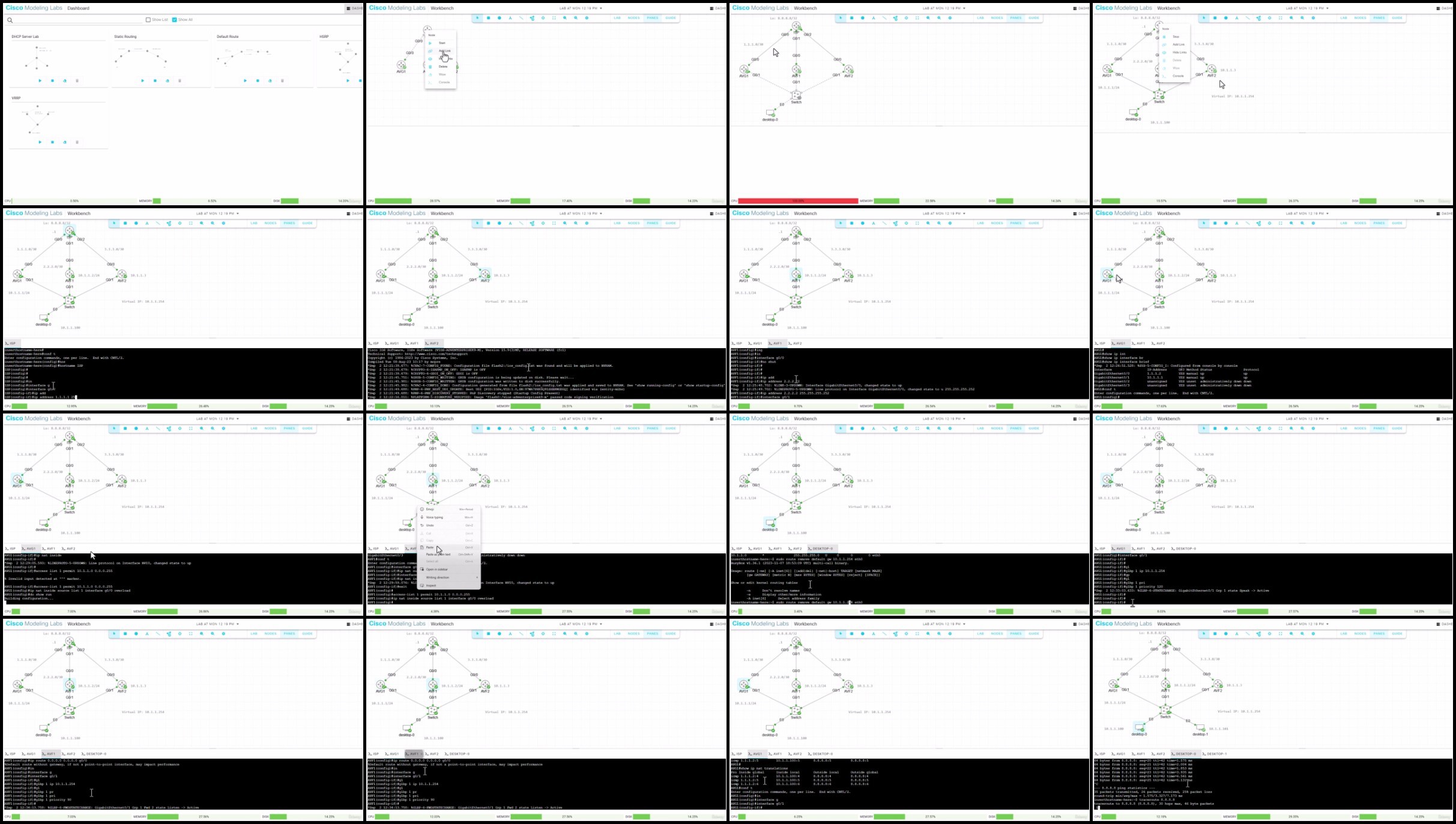
Download
RapidGator
https://rapidgator.net/file/627bb6303b93225e336aa1982669c715/.Dan.Mill.-.Hands.on.Cisco.Labs.Master.Course.part1.rar
https://rapidgator.net/file/a0c516194bd8ed8e21a2e8995ac7e658/.Dan.Mill.-.Hands.on.Cisco.Labs.Master.Course.part2.rar
https://rapidgator.net/file/c4cc28d3b19ad2ed67f6e14ce5161dff/.Dan.Mill.-.Hands.on.Cisco.Labs.Master.Course.part3.rar
FileStore
DDownload
https://ddownload.com/0kz97v9vpy3v/.Dan.Mill.-.Hands.on.Cisco.Labs.Master.Course.part1.rar
https://ddownload.com/2s401yaikg82/.Dan.Mill.-.Hands.on.Cisco.Labs.Master.Course.part2.rar
https://ddownload.com/cps9qwvw4t03/.Dan.Mill.-.Hands.on.Cisco.Labs.Master.Course.part3.rar
TurboBit
https://turbobit.net/wt533x9kteij/.Dan.Mill.-.Hands.on.Cisco.Labs.Master.Course.part1.rar.html
https://turbobit.net/9lcf4vtiwgsd/.Dan.Mill.-.Hands.on.Cisco.Labs.Master.Course.part2.rar.html
https://turbobit.net/45gq0usr75zb/.Dan.Mill.-.Hands.on.Cisco.Labs.Master.Course.part3.rar.html
See full article
RapidGator
https://rapidgator.net/file/627bb6303b93225e336aa1982669c715/.Dan.Mill.-.Hands.on.Cisco.Labs.Master.Course.part1.rar
https://rapidgator.net/file/a0c516194bd8ed8e21a2e8995ac7e658/.Dan.Mill.-.Hands.on.Cisco.Labs.Master.Course.part2.rar
https://rapidgator.net/file/c4cc28d3b19ad2ed67f6e14ce5161dff/.Dan.Mill.-.Hands.on.Cisco.Labs.Master.Course.part3.rar
FileStore
DDownload
https://ddownload.com/0kz97v9vpy3v/.Dan.Mill.-.Hands.on.Cisco.Labs.Master.Course.part1.rar
https://ddownload.com/2s401yaikg82/.Dan.Mill.-.Hands.on.Cisco.Labs.Master.Course.part2.rar
https://ddownload.com/cps9qwvw4t03/.Dan.Mill.-.Hands.on.Cisco.Labs.Master.Course.part3.rar
TurboBit
https://turbobit.net/wt533x9kteij/.Dan.Mill.-.Hands.on.Cisco.Labs.Master.Course.part1.rar.html
https://turbobit.net/9lcf4vtiwgsd/.Dan.Mill.-.Hands.on.Cisco.Labs.Master.Course.part2.rar.html
https://turbobit.net/45gq0usr75zb/.Dan.Mill.-.Hands.on.Cisco.Labs.Master.Course.part3.rar.html
See full article