Reviving Classic Games With Reactjs, Type Script And Jest
Date: 10 September 2024 | Posted by: AD-TEAM

Reviving Classic Games With Reactjs, Type Script And Jest
Published 7/2024
MP4 | Video: h264, 1920x1080 | Audio: AAC, 44.1 KHz
Language: English | Size: 4.31 GB | Duration: 9h 13m
Master React by Building Classic Games: A Comprehensive Guide to Advanced Techniques, Testing, and State Management
What you'll learn
Develop Interactive Apps: Build dynamic web applications with React components, state, and props
TypeScript Integration: Learn to integrate TypeScript with React to build type-safe, scalable applications with enhanced code quality
Test with Jest: Write unit and integration tests for React applications using Jest, ensuring reliability and robustness
Implement React Hooks: Use modern hooks like useState, useEffect, redux, ContextAPI and side effects
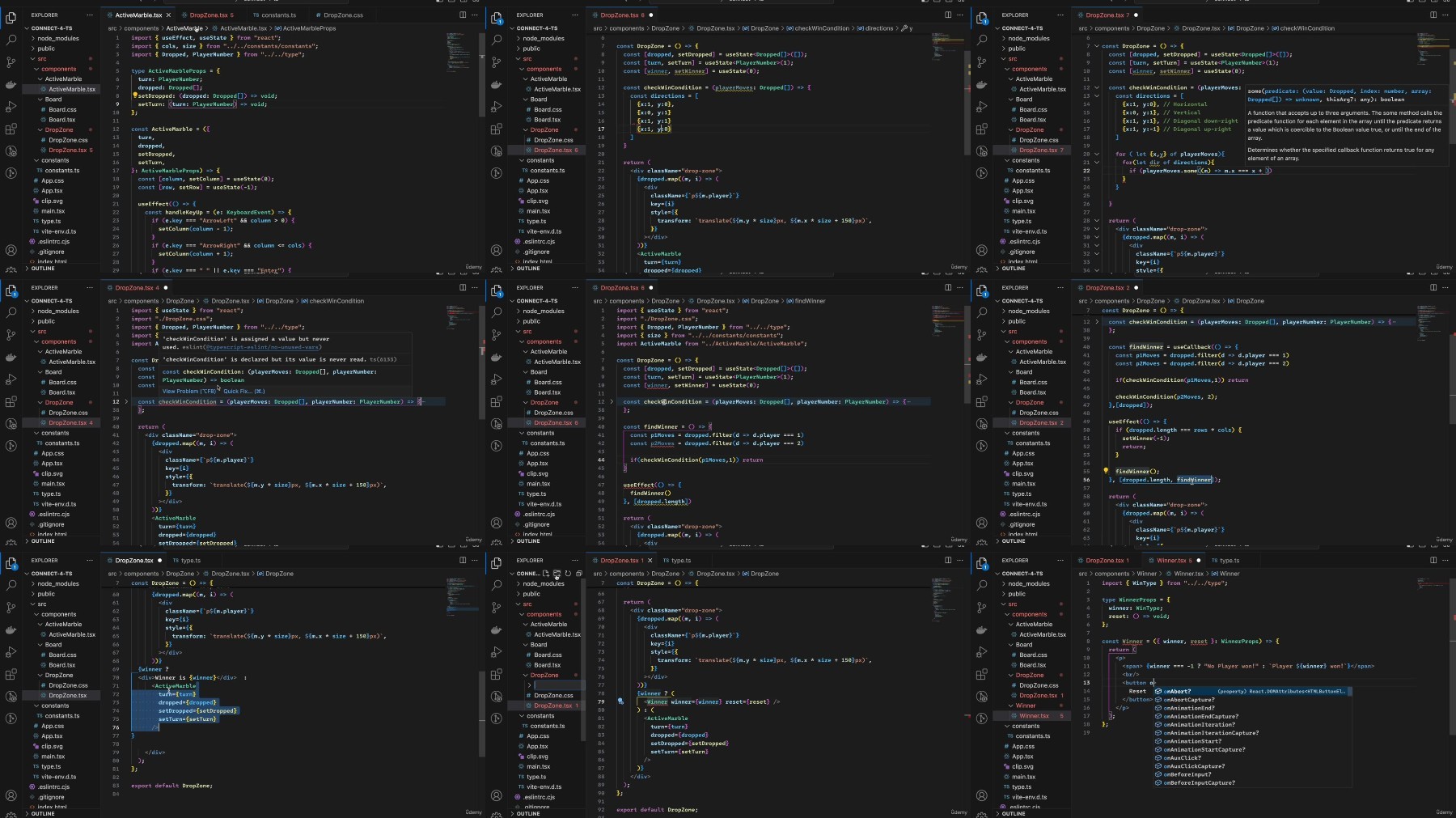
Build Classic Games: Create 7 classic games using React components and state management
Optimise Performance: Learn techniques like code-splitting to enhance React app performance
State Management: Master state management using the Context API and Redux to handle global state in React applications
Requirements
While a basic knowledge of React and TypeScript is recommended, rest assured that all concepts will be thoroughly explained in great detail throughout the course.
A basic knowledge of css would be great but not required.
Description
Unlock the full potential of React with this comprehensive, hands-on course where you'll master modern web development by building seven classic games. This course is perfect for developers with a basic understanding of React, TypeScript, and CSS, looking to elevate their skills through practical, engaging projects.Throughout the course, you'll create a variety of well-known games including Connect 4, Wordle, Master Mind, Memory Game, Lights Out, Hangman, and the 15 Puzzle. Each project is designed to deepen your understanding of React's core concepts, such as components, hooks, and state management, while also introducing you to advanced techniques like Context API and Redux for effective state handling.You'll also learn how to write unit tests using Jest to ensure your applications function as intended. You will also learn more about code-splitting and separation of concerns in web applications.Whether you're an aspiring web developer or a seasoned programmer looking to refine your skills, this course provides detailed explanations and hands-on experience to help you build interactive, high-performance applications. By the end of the course, you'll not only have a portfolio of classic games but also a solid foundation in both React and TypeScript, ready to tackle more complex projects and advance your career in web development.
Overview
Section 1: Connect-4 game.
Lecture 1 01- Setup the project
Lecture 2 How to setup the project
Lecture 3 02- Board
Lecture 4 03- Drop the marbles into the board
Lecture 5 04- Animate and move marbles
Lecture 6 05- Dropping marbles into correct spot
Lecture 7 06- Animate moving and dropping final touches
Lecture 8 07- Set Winner and reset types
Section 2: Hangman game
Lecture 9 01- Setup project
Lecture 10 How to setup the project
Lecture 11 02- Setup test suite
Lecture 12 03- Set a random secret word
Lecture 13 04- Render letters and masked word
Lecture 14 05- Check the guessed letter
Lecture 15 06- Win-Lose logic
Lecture 16 07- Show parts
Lecture 17 08- End game and restart
Section 3: 15 Puzzle
Lecture 18 01- Setup project and test suite
Lecture 19 How to setup the project
Lecture 20 02- Init the board and shuffle values
Lecture 21 03- Create the tiles
Lecture 22 04- Overlay layer
Lecture 23 05- Move tiles
Lecture 24 06- Animating pause
Lecture 25 07- Handle keyboard events
Lecture 26 08- Win!
Lecture 27 09- New Game
Section 4: Lights out
Lecture 28 01- Setup project and test suites
Lecture 29 How to setup the project
Lecture 30 02- Title and flicker effect
Lecture 31 03- Grid functionality
Lecture 32 04- Render board
Lecture 33 05- Render Cells
Lecture 34 06- Toggle lights
Lecture 35 07- Game over
Section 5: Memory game
Lecture 36 01- Setup project and test suite
Lecture 37 How to setup the project
Lecture 38 02- Add pictures and cards
Lecture 39 03- Style the grid and cards
Lecture 40 04- Handle correct match
Lecture 41 05- Reveal, reset and disable cards
Lecture 42 06- Controls and turns
Section 6: MasterMind
Lecture 43 01- Setup
Lecture 44 How to setup the project
Lecture 45 02- Initiate main components
Lecture 46 03- Colors
Lecture 47 04- Filling the rows
Lecture 48 05- Define reducer and context
Lecture 49 06- Initiate game state
Lecture 50 07- Highlight active row and active color
Lecture 51 08- Set active color
Lecture 52 09- Create a guess
Lecture 53 10- Check rows
Lecture 54 11- Test suites for checking colors
Lecture 55 12- Detect end of the game
Lecture 56 13- New game logic and show the secret
Section 7: Wordle
Lecture 57 01- Setup
Lecture 58 How to setup the project
Lecture 59 02- Select a random word
Lecture 60 03- Board
Lecture 61 04- Keyboard
Lecture 62 05- Handle key strokes
Lecture 63 06- Show correct guesses letters
Lecture 64 07- Show correct letters on keyboard
Lecture 65 08- Handle keyboard clicks
Lecture 66 09- Handle Game end
Aspiring Web Developers: Individuals looking to expand their skills in modern web development with a focus on React.,Intermediate React Developers: Those who have a basic understanding of React and wish to deepen their knowledge and apply it to practical projects.,jаvascript Programmers: Developers proficient in jаvascript who want to learn how to create interactive web applications using React.,TypeScript Enthusiasts: Programmers who are familiar with TypeScript basics and want to integrate it into their React projects for better type safety and code quality.,Front-End Developers: Professionals seeking to enhance their toolkit with advanced React concepts, hooks, state management, and performance optimization.,Game Development Hobbyists: Anyone interested in creating classic games using modern web technologies and improving their problem-solving skills through fun projects.,Students and Learners: Those enrolled in computer science or web development courses looking to complement their studies with practical, hands-on experience.
https://rapidgator.net/file/114e20c55be7f141d9dff6a072ca0814/Udemy_Reviving_Classic_games_with_ReactJS_Type_Script_and_Jest_2024-7.part1.rar
https://rapidgator.net/file/c3a9eeb594f3f7bbc93fce404ec1d875/Udemy_Reviving_Classic_games_with_ReactJS_Type_Script_and_Jest_2024-7.part2.rar
https://rapidgator.net/file/d1c71fc961b128bbeeda8219bf574e5d/Udemy_Reviving_Classic_games_with_ReactJS_Type_Script_and_Jest_2024-7.part3.rar
https://filestore.me/8flodhp3selk/Udemy_Reviving_Classic_games_with_ReactJS_Type_Script_and_Jest_2024-7.part1.rar
https://filestore.me/7dzlxs3l57c7/Udemy_Reviving_Classic_games_with_ReactJS_Type_Script_and_Jest_2024-7.part2.rar
https://filestore.me/9a5cgr1wnbw2/Udemy_Reviving_Classic_games_with_ReactJS_Type_Script_and_Jest_2024-7.part3.rar
What you'll learn
Develop Interactive Apps: Build dynamic web applications with React components, state, and props
TypeScript Integration: Learn to integrate TypeScript with React to build type-safe, scalable applications with enhanced code quality
Test with Jest: Write unit and integration tests for React applications using Jest, ensuring reliability and robustness
Implement React Hooks: Use modern hooks like useState, useEffect, redux, ContextAPI and side effects
Build Classic Games: Create 7 classic games using React components and state management
Optimise Performance: Learn techniques like code-splitting to enhance React app performance
State Management: Master state management using the Context API and Redux to handle global state in React applications
Requirements
While a basic knowledge of React and TypeScript is recommended, rest assured that all concepts will be thoroughly explained in great detail throughout the course.
A basic knowledge of css would be great but not required.
Description
Unlock the full potential of React with this comprehensive, hands-on course where you'll master modern web development by building seven classic games. This course is perfect for developers with a basic understanding of React, TypeScript, and CSS, looking to elevate their skills through practical, engaging projects.Throughout the course, you'll create a variety of well-known games including Connect 4, Wordle, Master Mind, Memory Game, Lights Out, Hangman, and the 15 Puzzle. Each project is designed to deepen your understanding of React's core concepts, such as components, hooks, and state management, while also introducing you to advanced techniques like Context API and Redux for effective state handling.You'll also learn how to write unit tests using Jest to ensure your applications function as intended. You will also learn more about code-splitting and separation of concerns in web applications.Whether you're an aspiring web developer or a seasoned programmer looking to refine your skills, this course provides detailed explanations and hands-on experience to help you build interactive, high-performance applications. By the end of the course, you'll not only have a portfolio of classic games but also a solid foundation in both React and TypeScript, ready to tackle more complex projects and advance your career in web development.
Overview
Section 1: Connect-4 game.
Lecture 1 01- Setup the project
Lecture 2 How to setup the project
Lecture 3 02- Board
Lecture 4 03- Drop the marbles into the board
Lecture 5 04- Animate and move marbles
Lecture 6 05- Dropping marbles into correct spot
Lecture 7 06- Animate moving and dropping final touches
Lecture 8 07- Set Winner and reset types
Section 2: Hangman game
Lecture 9 01- Setup project
Lecture 10 How to setup the project
Lecture 11 02- Setup test suite
Lecture 12 03- Set a random secret word
Lecture 13 04- Render letters and masked word
Lecture 14 05- Check the guessed letter
Lecture 15 06- Win-Lose logic
Lecture 16 07- Show parts
Lecture 17 08- End game and restart
Section 3: 15 Puzzle
Lecture 18 01- Setup project and test suite
Lecture 19 How to setup the project
Lecture 20 02- Init the board and shuffle values
Lecture 21 03- Create the tiles
Lecture 22 04- Overlay layer
Lecture 23 05- Move tiles
Lecture 24 06- Animating pause
Lecture 25 07- Handle keyboard events
Lecture 26 08- Win!
Lecture 27 09- New Game
Section 4: Lights out
Lecture 28 01- Setup project and test suites
Lecture 29 How to setup the project
Lecture 30 02- Title and flicker effect
Lecture 31 03- Grid functionality
Lecture 32 04- Render board
Lecture 33 05- Render Cells
Lecture 34 06- Toggle lights
Lecture 35 07- Game over
Section 5: Memory game
Lecture 36 01- Setup project and test suite
Lecture 37 How to setup the project
Lecture 38 02- Add pictures and cards
Lecture 39 03- Style the grid and cards
Lecture 40 04- Handle correct match
Lecture 41 05- Reveal, reset and disable cards
Lecture 42 06- Controls and turns
Section 6: MasterMind
Lecture 43 01- Setup
Lecture 44 How to setup the project
Lecture 45 02- Initiate main components
Lecture 46 03- Colors
Lecture 47 04- Filling the rows
Lecture 48 05- Define reducer and context
Lecture 49 06- Initiate game state
Lecture 50 07- Highlight active row and active color
Lecture 51 08- Set active color
Lecture 52 09- Create a guess
Lecture 53 10- Check rows
Lecture 54 11- Test suites for checking colors
Lecture 55 12- Detect end of the game
Lecture 56 13- New game logic and show the secret
Section 7: Wordle
Lecture 57 01- Setup
Lecture 58 How to setup the project
Lecture 59 02- Select a random word
Lecture 60 03- Board
Lecture 61 04- Keyboard
Lecture 62 05- Handle key strokes
Lecture 63 06- Show correct guesses letters
Lecture 64 07- Show correct letters on keyboard
Lecture 65 08- Handle keyboard clicks
Lecture 66 09- Handle Game end
Aspiring Web Developers: Individuals looking to expand their skills in modern web development with a focus on React.,Intermediate React Developers: Those who have a basic understanding of React and wish to deepen their knowledge and apply it to practical projects.,jаvascript Programmers: Developers proficient in jаvascript who want to learn how to create interactive web applications using React.,TypeScript Enthusiasts: Programmers who are familiar with TypeScript basics and want to integrate it into their React projects for better type safety and code quality.,Front-End Developers: Professionals seeking to enhance their toolkit with advanced React concepts, hooks, state management, and performance optimization.,Game Development Hobbyists: Anyone interested in creating classic games using modern web technologies and improving their problem-solving skills through fun projects.,Students and Learners: Those enrolled in computer science or web development courses looking to complement their studies with practical, hands-on experience.
https://rapidgator.net/file/114e20c55be7f141d9dff6a072ca0814/Udemy_Reviving_Classic_games_with_ReactJS_Type_Script_and_Jest_2024-7.part1.rar
https://rapidgator.net/file/c3a9eeb594f3f7bbc93fce404ec1d875/Udemy_Reviving_Classic_games_with_ReactJS_Type_Script_and_Jest_2024-7.part2.rar
https://rapidgator.net/file/d1c71fc961b128bbeeda8219bf574e5d/Udemy_Reviving_Classic_games_with_ReactJS_Type_Script_and_Jest_2024-7.part3.rar
https://filestore.me/8flodhp3selk/Udemy_Reviving_Classic_games_with_ReactJS_Type_Script_and_Jest_2024-7.part1.rar
https://filestore.me/7dzlxs3l57c7/Udemy_Reviving_Classic_games_with_ReactJS_Type_Script_and_Jest_2024-7.part2.rar
https://filestore.me/9a5cgr1wnbw2/Udemy_Reviving_Classic_games_with_ReactJS_Type_Script_and_Jest_2024-7.part3.rar
See full article