Advanced Material-Ui Component Styling: The Complete Course
Date: 13 April 2024 | Posted by: AD-TEAM

Advanced Material-Ui Component Styling: The Complete Course
Published 9/2022
MP4 | Video: h264, 1280x720 | Audio: AAC, 44.1 KHz
Language: English
| Size: 3.39 GB[/center]
| Duration: 6h 42m
Learn to style any MUI component: Dive deep into the DOM, understand MUI class rules, and ace the most difficult props
What you'll learn
Learn how to style ANY Material-UI component
Understand when to use sx, styled API, or theme
Explore how MUI components render as DOM elements
Create advanced nested selectors using the default classes that render with MUI components
Control the width and height of rows, cells, columns, and child components in the MUI Table, Data Grid, Grid, and more
Customize the spacing (padding AND margin) for every component, especially the Grid, Stack, and Box
Design perfect alignment with flex and flex properties
Deeply understand every MUI form component, plus the Grid, Table, and Data Grid
Build a Material-UI app from scratch
Requirements
Beginner level knowledge of React
Windows or Mac computer
Description
Welcome to Advanced Material-UI Component Styling: The Complete Course.This course will give you expertise in styling MUI version 5 components. You will learn to ace some of the most difficult components, such as the Data Grid, Autocomplete, and Date Picker.Together we will explore the DOM and discover the default class system MUI uses and how to use these classes to create advanced nested selectors. Critically, we will also learn the best use cases for the sx prop, the styled API, and the theme.Here is a peek at some of the MUI knowledge and syntax expertise this course covers:Using theme in the styled APIUsing options in the styled APIPassing props to the styled APISX breakpointsSX hoverSX themeSX nested selectorsCustom theme palette colorsTheme component overridesCustom theme variantsUsing nested selectors on the TextField to change border, hover, and focus styleAutocomplete getOptionLabel, renderInput, and renderOptionselect component styling, mult select, and custom option renderingDatePicker renderInput, inputProps, popperPropsEVERY form subcomponent explainedMobile Responsive in MUI - transitions, media queries, and moreOne-dimensional layouts with the Stack componentTwo-dimensional layouts with GridEverything flex - direction, justify content, align items, and moreData Grid columns, components, and toolbar optionsStyling the Data Grid with nested selectorsCustom MUI TablesUsing React hooks in an MUI projectYou will have lifetime access to all course content, plus access to an active Q/A group.This course comes with a 30-day money back guarantee by Udemy.So take this course and never again fear any MUI component!
Overview
Section 1: Intro to Advanced MUI (v5) Component Styling
Lecture 1 Introduction
Section 2: Architecting a Material-UI App
Lecture 2 What We Will Build
Lecture 3 Scripts and File Organization
Lecture 4 MUI AppBar and Drawer Functionality
Lecture 5 MUI + React Router
Lecture 6 MUI AppBar and Drawer Styling
Section 3: Deep Dive into MUI Forms
Lecture 7 What We Will Build
Lecture 8 Data and Types
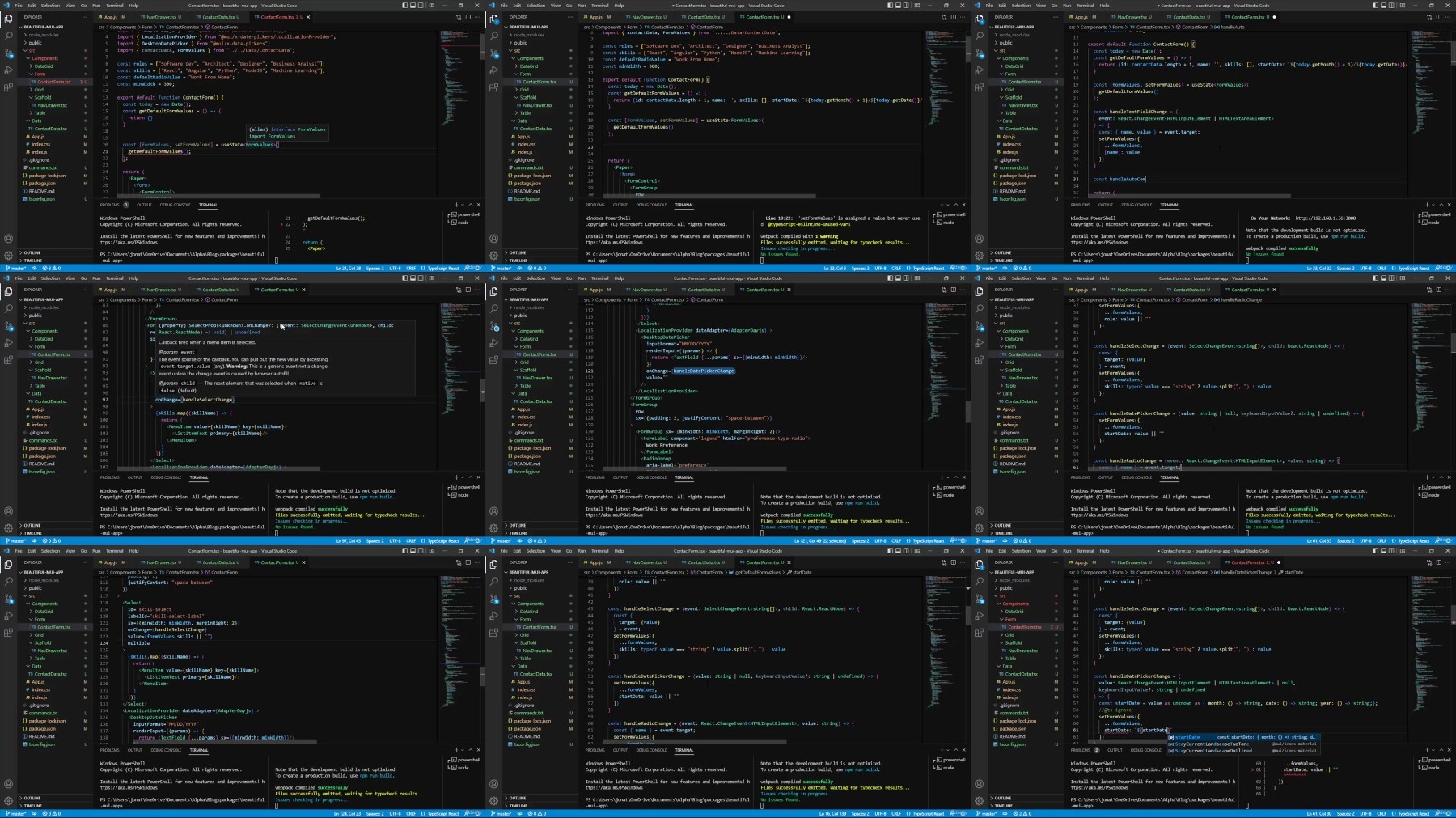
Lecture 9 MUI TextField, Autocomplete, Select, and DatePicker
Lecture 10 MUI Radios and Form Buttons
Lecture 11 Component Spacing in Forms
Lecture 12 Form Event Handlers
Lecture 13 Form Submit and Alert
Lecture 14 Exporting Custom Components
Section 4: MUI Grids, Tables, and Data Grids
Lecture 15 What we will build
Lecture 16 MUI Grids and Cards
Lecture 17 Tables
Lecture 18 MUI Data Grids
Lecture 19 Displaying Form Data
Section 5: Advanced MUI Styling Overview
Lecture 20 MUI Styling APIs and Philosophy
Lecture 21 SX vs Styled API vs Theme
Lecture 22 Understanding JSX, the DOM, and Compositional Components
Section 6: Advanced MUI TextField, Autocomplete, Select, and DatePicker Styling and Use
Lecture 23 Advanced TextField Styling
Lecture 24 Advanced Autocomplete Styling
Lecture 25 Advanced Select Component Styling
Lecture 26 Advanced DatePicker Props and Styling
Section 7: Advanced SX Prop Syntax
Lecture 27 EVERY SX Prop Syntax Explained
Section 8: Advanced Styled API Syntax
Lecture 28 How to Create Styled Components
Lecture 29 Theme, Props, and Options in the Styled API
Section 9: Advanced Theme Styling
Lecture 30 Creating a Material-UI Theme
Lecture 31 Customizing Theme Palette
Lecture 32 Creating Theme Overrides and Variants
Lecture 33 Customizing Theme Breakpoints
Section 10: Advanced MUI Form Use and Styling
Lecture 34 Advanced Form Components
Section 11: Advanced Layouts with MUI Stack and Box
Lecture 35 Vertical and Horizontal Layouts with the Stack Component
Lecture 36 Comparing the Stack and Box Components
Section 12: Collapsible Components in MUI
Lecture 37 Using the MUI Collapse Component
Section 13: Advanced MUI Grid Sizing, Styling, Spacing, and Alignment
Lecture 38 Controlling Card Height Inside the Grid
Lecture 39 Grid Size, Style, and Alignment
Lecture 40 Grid Spacing
Section 14: Advanced MUI Table Use and Styling
Lecture 41 Customizing the Table Component
Section 15: Advanced Data Grid Use and Styling
Lecture 42 Using the Data Grid renderCell Prop
Lecture 43 Component Cells in the MUI Data Grid
Lecture 44 Advanced Data Grid Styling
Lecture 45 Data Grid Sort and Filter
Section 16: Adding Mobile Responsive to the MUI App
Lecture 46 Adding Breakpoints to the Drawer Component
Lecture 47 Mobile Responsive Hooks and State Values
Lecture 48 Showing and Hiding Components Based on Screen Size
Lecture 49 CSS Transitions in MUI
React developers who have struggled to style a Material-UI component,React developers who have struggled to understand MUI layouts, especially flex/justify content/align items,React developers who want to deeply understand how MUI components render as DOM elements,React developers who want to learn to build an MUI project from scratch and gain expertise in forms, tables, grids, and data grids
https://voltupload.com/f5q5dbw1vkfk/Udemy_Advanced_Material-UI_Component_Styling_The_Complete_Course_2022-9.z01
https://voltupload.com/gwbrso0gtutj/Udemy_Advanced_Material-UI_Component_Styling_The_Complete_Course_2022-9.z02
https://voltupload.com/czwwwx3xyznk/Udemy_Advanced_Material-UI_Component_Styling_The_Complete_Course_2022-9.z03
https://voltupload.com/3j9f5awvpy15/Udemy_Advanced_Material-UI_Component_Styling_The_Complete_Course_2022-9.zip
https://rapidgator.net/file/e60954d8d33248bff54941f5868a894d/Udemy_Advanced_Material-UI_Component_Styling_The_Complete_Course_2022-9.z01
https://rapidgator.net/file/212baff1b5ec1210c1ff5fd4bbc5a647/Udemy_Advanced_Material-UI_Component_Styling_The_Complete_Course_2022-9.z02
https://rapidgator.net/file/a410521979b55f402e53a7498aa07b89/Udemy_Advanced_Material-UI_Component_Styling_The_Complete_Course_2022-9.z03
https://rapidgator.net/file/90ee6c84484eca68608a46b178a13696/Udemy_Advanced_Material-UI_Component_Styling_The_Complete_Course_2022-9.zip
Free search engine download: Udemy Advanced Material-UI Component Styling The Complete Course 2022-9
See full article