Api Performance Testing With K6, Github Copilot, Chatgpt
Date: 8 April 2024 | Posted by: AD-TEAM

Api Performance Testing With K6, Github Copilot, Chatgpt
Published 4/2024
MP4 | Video: h264, 1920x1080 | Audio: AAC, 44.1 KHz
Language: English
| Size: 4.42 GB[/center]
| Duration: 8h 28m
Learn Grafana K6 for REST API performance testing, with the help of Generative AI Assistant (Github Copilot, ChatGPT)
What you'll learn
Learn how AI like ChatGPT and Github Copilot change the software testing landscape
Using AI Assistant (ChatGPT, Github Copilot) on Visual Studio Code to do REST API testing using Grafana K6
Understand performance testing basics
Prompt Engineering for AI, to help you working faster, and more efficient during K6 software testing
Write checks, thresholds, and various Grafana K6 aspects from zero
Requirements
Basic jаvascript knowledge
Basic knowledge of REST API
Description
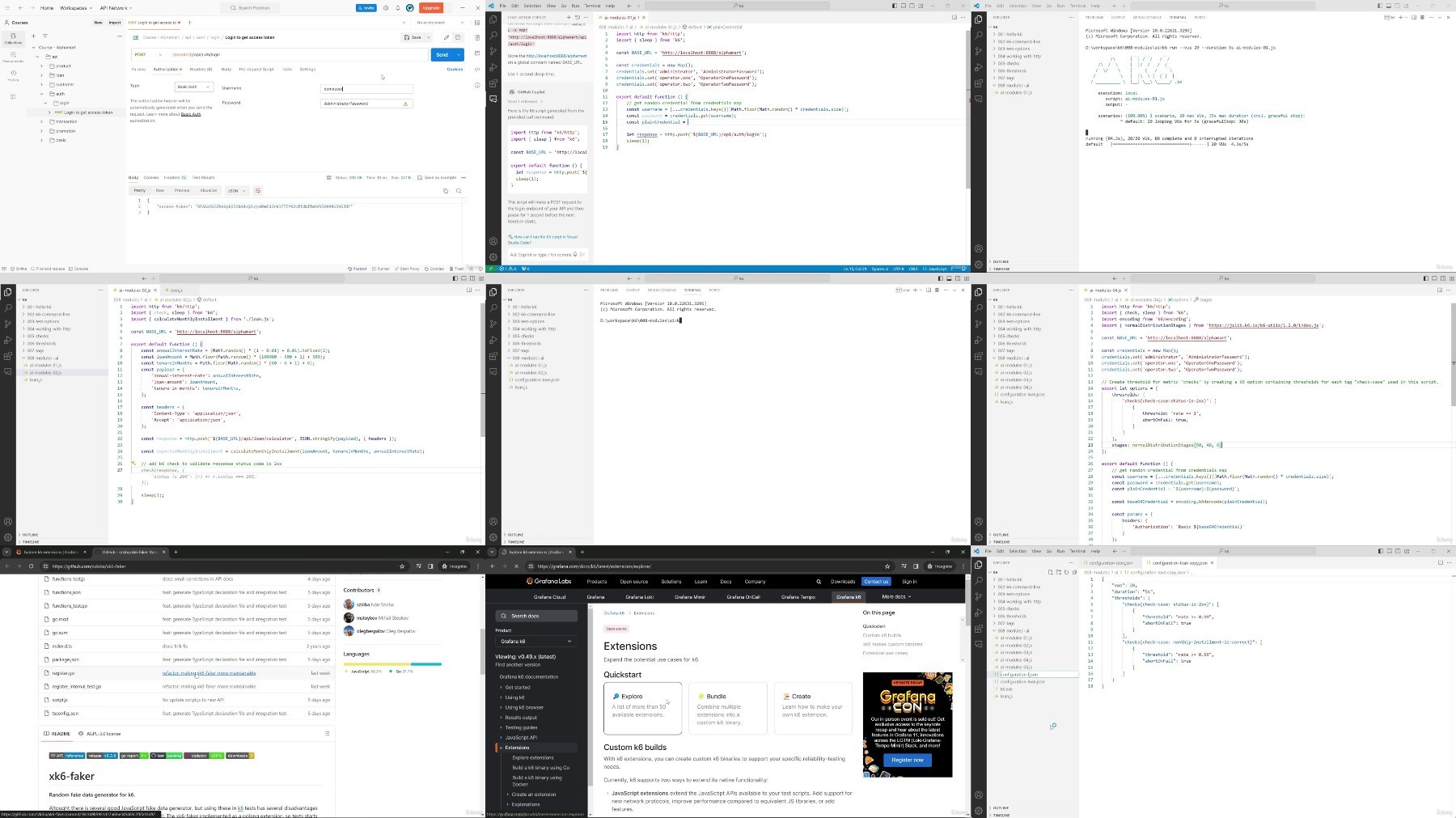
Explore the frontier of REST API performance testing in this course, designed to empower you with the knowledge to use Grafana K6 for REST API testing enriched with the support of AI assistants. This course covers everything from the basics of K6 to advanced testing techniques, including how to effectively use GitHub Copilot and ChatGPT to improve your automated testing skills with Grafana K6.Start with a warm welcome and an intriguing introduction to AI and Large Language Models. Delve into the course structure and absorb the crucial points guiding your learning path. Your adventure gets more interesting as you explore the integration of AI assistants in software engineering and testing using the capabilities of ChatGPT and GitHub Copilot. With the basics in hand, you'll examine the source code structure, laying the groundwork for comprehensive performance testing. As you progress, the course introduces you to performance testing with K6, starting with installation and your first script execution. Each step, from executing commands on the K6 Command Line with test options flags, is enhanced by AI assistance. The curriculum expands to cover essential tools and concepts like Docker, using software for testing, and using Postman for API interactions. You'll navigate HTTP requests with and without AI support, understand K6 checks and metrics, and learn how to visualize K6 results for insightful analysis. Further refinement of your skills is achieved through lessons on thresholds, tags, and custom tags, each benefiting from AI integration. The course then shifts focus to practical application, guiding you through debugging K6 scripts, adding test data, and mastering data correlation—all with the invaluable support of AI assistants. Advanced topics introduce handling insecure requests, managing HTTP redirects, executing parallel requests, and defining custom metrics. Each module showcases the power of AI to simplify complex tasks. Groups, test lifecycle management, and environmental variables are also discussed, cementing your comprehensive understanding of performance testing. While most of the courses use GitHub Copilot as AI assistance, you will also see how to use ChatGPT with K6, offering a practical application of earlier lessons and presenting advanced strategies in command line usage, test options, HTTP requests, checks, thresholds, and more, all through the lens of AI assistance.This course equips you with the technical skills for API performance testing and empowers you with innovative strategies to harness AI tools for enhanced testing efficiency and effectiveness.Why Buy This Course?Embrace the future of software testing with AI integration.Master Grafana K6, a leading tool in API performance testing.Benefit from hands-on learning with practical projects and examples.Enhance your problem-solving skills in API testing with AI insights.Keep up with industry trends by learning to integrate AI assistants in testing.What You'll Learn:Setting up and configuring Grafana K6 for API testing.Effective use of GitHub Copilot and ChatGPT for writing and optimizing test scripts.Many techniques for performance testing and result analysis.Customizing test environments.Utilizing AI for creating and improving test accuracy and efficiency.Student Requirements:A basic understanding of jаvascript and REST API concepts.Curiosity about AI and its applications in software testing.Interest in enhancing software performance through rigorous testing.Who is This Course For:Developers and Engineers seeking advanced skills in API testing.QA and Testing Professionals want to incorporate AI into their workflows.Tech enthusiasts who are curious about the synergy between AI and REST API performance testing.
Overview
Section 1: Welcome To The Course
Lecture 1 Welcome
Lecture 2 Course Structure & Coverage
Lecture 3 How To Get Maximum Value From This Course
Section 2: AI (Artificial Intelligence) and LLM (Large Language Models)
Lecture 4 About AI & Large Language Models (LLM)
Lecture 5 Important Points on Course With AI Assistant!
Lecture 6 Download Prompts & Source Code
Lecture 7 Prompt Engineering
Section 3: How AI Assistant Change The Way We Work
Lecture 8 AI Assistant in Software Engineering
Lecture 9 AI Assistant in Software Testing
Lecture 10 ChatGPT & Github Copilot
Lecture 11 ChatGPT & Github Copilot - Installation
Section 4: K6 for API Performance Testing
Lecture 12 Source Code Structure
Lecture 13 Performance Testing
Lecture 14 Performance Testing & K6
Lecture 15 K6 Installation
Section 5: K6 Basics
Lecture 16 Hello K6
Lecture 17 Hello K6 - With AI Assistant
Lecture 18 K6 Command Line
Lecture 19 K6 Command Line - With AI Assistant
Lecture 20 Using sleep(n)
Lecture 21 Using sleep(n) - With AI Assistant
Lecture 22 Test Options (Flags)
Lecture 23 Test Options (Flags) - With AI Assistant
Section 6: Other Tools for Software Quality Engineer
Lecture 24 What & Why Docker
Lecture 25 Software To Test
Lecture 26 Trouble on Software To Test?
Lecture 27 Postman
Section 7: K6 For Testing HTTP REST API - The Basic
Lecture 28 Working With HTTP
Lecture 29 Working With HTTP - With AI Assistant
Lecture 30 Checks
Lecture 31 Checks - With AI Assistant
Lecture 32 Metrics
Lecture 33 K6 Result - How To Read
Lecture 34 K6 Result - Output & Visualization
Lecture 35 Tips: Showing p(N) at Output
Lecture 36 Thresholds
Lecture 37 Thresholds - With AI Assistant
Lecture 38 Tags
Lecture 39 Tags - With AI Assistant
Lecture 40 Custom Tags
Lecture 41 Custom Tags - With AI Assistant
Section 8: K6 For Testing HTTP REST API - Intermediate
Lecture 42 Working With AI Assistant
Lecture 43 Modules - With AI Assistant
Lecture 44 Debugging K6 Script
Lecture 45 Adding Test Data - With AI Assistant
Lecture 46 Data Correlation - With AI Assistant
Lecture 47 Tips: Allow Insecure Request
Lecture 48 HTTP Redirect - With AI Assistant
Lecture 49 Parallel Request - With AI Assistant
Lecture 50 Custom Metrics - With AI Assistant
Lecture 51 Groups - With AI Assistant
Lecture 52 Test Lifecycle - With AI Assistant
Lecture 53 Environment Variable - With AI Assistant
Section 9: Using ChatGPT With K6
Lecture 54 Using ChatGPT With K6 - Introduction
Lecture 55 ChatGPT K6 - Hello K6
Lecture 56 ChatGPT K6 - K6 Command Line
Lecture 57 ChatGPT K6 - Test Options
Lecture 58 ChatGPT K6 - Working With HTTP
Lecture 59 ChatGPT K6 - Checks
Lecture 60 ChatGPT K6 - Thresholds
Lecture 61 ChatGPT K6 - Tags Custom Tags
Lecture 62 ChatGPT K6 - Modules
Lecture 63 ChatGPT K6 - Test Data
Lecture 64 ChatGPT K6 - Data Correlation
Lecture 65 ChatGPT K6 - HTTP Redirect
Lecture 66 ChatGPT K6 - Parallel Call
Lecture 67 ChatGPT K6 - Custom Metrics
Lecture 68 ChatGPT K6 - Groups
Section 10: Resources & References
Lecture 69 Resources & References
Lecture 70 Bonus
Software engineers,Software testers / Quality engineers,Technical / QA managers
https://voltupload.com/hrn4wq5ic4c4/API_Performance_Testing_With_K6_Github_Copilot_ChatGPT.z01
https://voltupload.com/tt4r8n0xbbpe/API_Performance_Testing_With_K6_Github_Copilot_ChatGPT.z02
https://voltupload.com/68a1dtab8l3d/API_Performance_Testing_With_K6_Github_Copilot_ChatGPT.z03
https://voltupload.com/qle7bcaiqfao/API_Performance_Testing_With_K6_Github_Copilot_ChatGPT.zip
https://rapidgator.net/file/2092877309195397843266a6ff2ffd3b/API_Performance_Testing_With_K6_Github_Copilot_ChatGPT.z01
https://rapidgator.net/file/ff1a8a3836fb0e7e7763d245d139926f/API_Performance_Testing_With_K6_Github_Copilot_ChatGPT.z02
https://rapidgator.net/file/5078a85bb15b3fd20f77e3a54cf1912e/API_Performance_Testing_With_K6_Github_Copilot_ChatGPT.z03
https://rapidgator.net/file/777a8bc82210f02c20861f2ae60f874c/API_Performance_Testing_With_K6_Github_Copilot_ChatGPT.zip
Free search engine download: API Performance Testing With K6, Github Copilot, ChatGPT
See full article