Simulink Embedded Coder for Automatic C Code Generation by Educational Engineering Team
Date: 27 June 2022 | Posted by: mata00

Simulink Embedded Coder for Automatic C Code Generation
Published 06/2022
Genre: eLearning | MP4 | Video: h264, 1280x720 | Audio: AAC, 44.1 KHz
Language: English | Size: 1.13 GB | Duration: 24 lectures • 2h 9m
Description
This course is designed to teach students how to use Simulink Embedded Coder to automatically generate C code from Simulink models. Students will learn how to configure the code generator, specify target hardware, and generate executable code. They will also learn how to debug and optimize embedded applications.
Understanding how Embedded Coder works under the hood, and how to troubleshoot and optimize generated code Embedded Coder, and Embedded System prototyping tool, allows someone to understand its impact on subsystems and topologies during coding.
You can learn how to optimize the generated code as necessary to preserve the efficiency of the Embedded System.
Explore different aspects of code generation such as target hardware, compilation settings, and debugging embedded coder generates C and C++ code optimized for embedded systems by extending the capabilities offered by MATLAB coder in Simulink coder the generated code is ANSI and ISO C compliant so it can run on virtually any fixed or floating point-device and is particularly well-suited for applications that need to minimize memory usage or maximize speed you can replace the default code output with target-specific optimizations and customizations using code replacement libraries
What will you learn in this course?
You will learn how to use Embedded Coder in Matlab Simulink to generate C code for your embedded target device
You will learn how to start a new project and deal with STM32CubeMX
You will learn how to create a model in Matlab Simulink
You will learn how to automatically generate C code from a model.
You will also learn how to use Simulink to create an embedded system that can be used in a project.
Learn to Configure for Code Generation
Learn Optimizing and Packaging Code
Learn what is Simulink
Learn about MatLab
Learn what an Embedded coder is
Learn How to Generate code for your MATLAB files and functions
Learn to Select your processor and code generation output
Supported Hardware
STMicroelectronics
Analog DevicesВ®
ARM
AUTOSAR
BeagleBoard
Intel
Dronecode
Texas Instruments
Wind River
Xilinx
Course Outline :
Selecting Targets
Working with Custom Data
Optimizing and Packaging Code
Commenting, Tracing, and Documenting Code
Executing and Verifying Code
Commenting, Tracing, and Documenting Code
Executing and Verifying Code
Requirements
A basic understanding of accounting principles.
Laptop/ computer
Knowledge of the C programming language.
Homepage
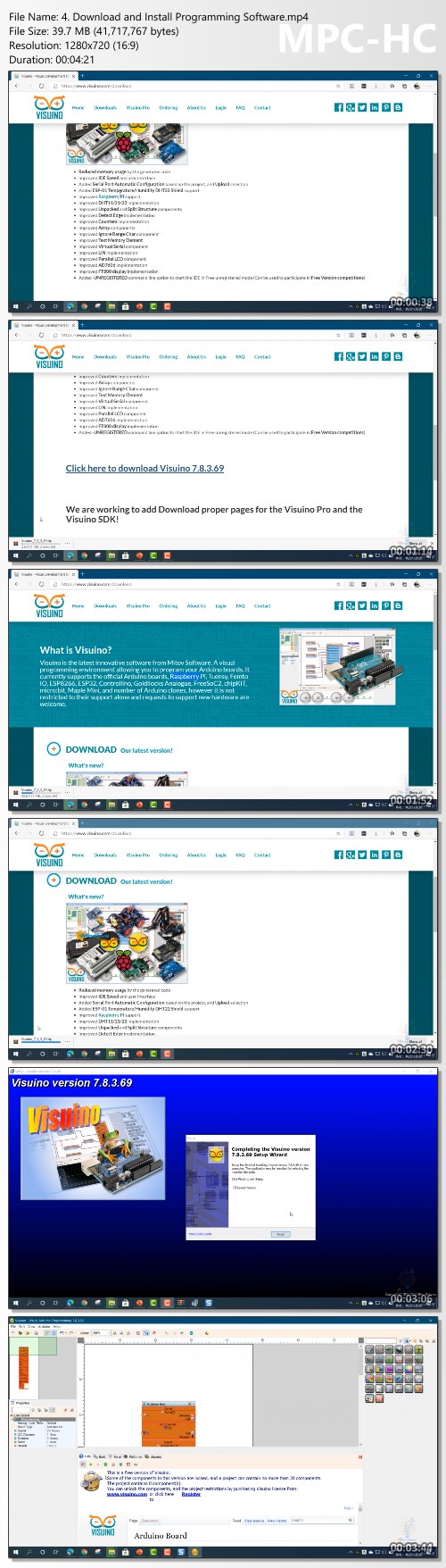
https://www.udemy.com/course/simulink-matlab-embedded-coder-for-automatic-c-code-generation/Screenshots
Link Download
Download Via UploadGig
https://uploadgig.com/file/download/72551371c3Bd967e/SimulinkEmbeddedCoderforAutomaticCCodeGeneration.part1.rar
https://uploadgig.com/file/download/7371AADd764e55a1/SimulinkEmbeddedCoderforAutomaticCCodeGeneration.part2.rar
Download Via Rapidgator
https://rapidgator.net/folder/6648839/SimulinkEmbeddedCoderforAutomaticCCodeGeneration.html
Extract files with WinRar 5 or Latest !
See full article