Adobe Photoshop Elements 2026 v26.2 (x64) Multilingual
Date: 28 December 2025 | Posted by: DrZero

File size: 6.7 GB
Amazing photos. Fun creations. Forever memories. It's never been easier to create incredible photos. Put your best photos forward with auto-generated creations and intelligent editing options. Easily organize your photos and share them in fun ways.
Start creating today.
Beautiful photo effects, entertaining slideshows, and creative collages are ready to go upon launch. To get started, visit the home screen for inspiring ideas, help, and tutorials. Be sure to check out the new features.
Put your creativity in easy mode.
Automated editing options and step-by-step guidance make it a snap to create amazing photos.
-Adobe Sensei AI technology* automates photo editing so you can focus on the fun of creating.
-Brush on fun patterns, remove unwanted objects, and more with help from 55 Guided Edits.
-Revitalize your photos with automatic colorization.
Fun creations
Make the most of your memories by showcasing your photos in creative ways.
-Photo effects and photo and video slideshows and collages are created just for you to highlight memorable moments. Powered by Adobe Sensei.
- Make fun memes for social media plus calendars, scrapbook pages, and cards to print at home.
Effortless organization
Cut the clutter so it's easy to find, view, and enjoy your photos.
- Go from hundreds of mystery folders to a visual view — automatically.
- See your best photos — auto-curated based on quality, faces, and subjects. Powered by Adobe Sensei.
- Find your favorites fast with Smart Tags and facial recognition. Powered by Adobe Sensei.
Shareable memories
Share with friends and family just about any way you like.
- Create photos and memes you can't wait to share on social.
- Share slideshows and video clips on YouTube and Vimeo.
Select your subject with one click
Want to cut out or add an effect to the subject of your photo? Just click once for an automatic selection. Powered by Adobe Sensei.
Easily remove unwanted objects
Get step-by-step help making distractions disappear from your photos. The background fills in automatically.
Replace backgrounds
Easily select the subject of a photo and move it to a whole new scene.
Make people look their best
Automatically smooth skin to reduce wrinkles and blemishes. Powered by Adobe Sensei.
System Requirements
- 1.6GHz or faster processor with SSE2 support
- Microsoft Windows 10 (recommended versions 1809, 1903) or Windows 8.1 (Windows 7 not supported); 64-bit versions only (32-bit not supported)
- 4GB of RAM (8GB recommended)
- 7 GB of available hard-disk space to install applications; additional 2.4GB to download all optional content (cannot install on a volume that uses a case-sensitive file system or on removable flash storage devices)
- 1280x800 display resolution (at 100% scale factor)
- Microsoft DirectX 9 or 10 compatible display driver
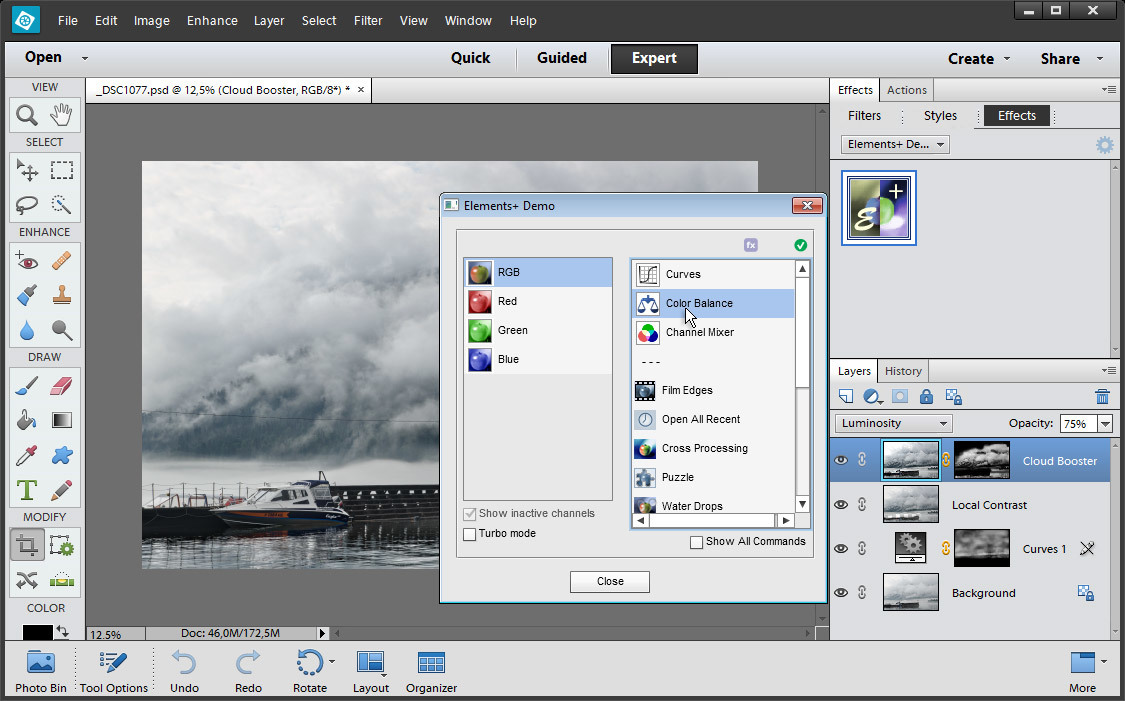
Screen :
What's New

HOMEPAGE
https://www.adobe.com/
Buy Premium Account From My Download Links & Get Fastest Speed.
https://filestore.me/zkjwikk1i1q3
https://filestore.me/w0r3uiihr842
https://filestore.me/vywethqmvdu4
https://filestore.me/amw6odvvu08q
https://nitroflare.com/view/BF03635676AA292
https://nitroflare.com/view/9AFA70E95DC83D0
https://nitroflare.com/view/FF1416044EDD28E
https://nitroflare.com/view/6898B4873257E6A
https://rapidgator.net/file/4f356ceeb1f7ad6612ae3ea1e537df52
https://rapidgator.net/file/fa58ddd294f28dc8e242643d085fab48
https://rapidgator.net/file/1821ca5ccb4b1428dcb3f9ded33fd041
https://rapidgator.net/file/4d6febd89658fb58c43c63ae45a1a887
See full article